
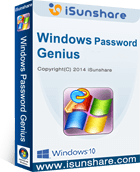
iSunshare Windows Password Genius

No current deals. Try the free plan or visit the official site.
No coupons or deals available
right now.
You can try the free plan or visit the official website for the latest pricing and offers.
Visit Official Site




Recover Windows login password, support all Windows OS.
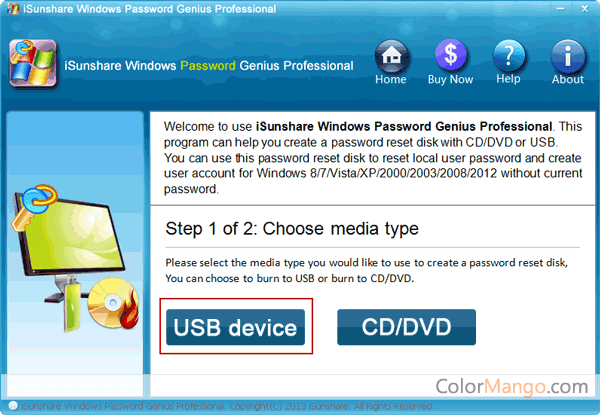
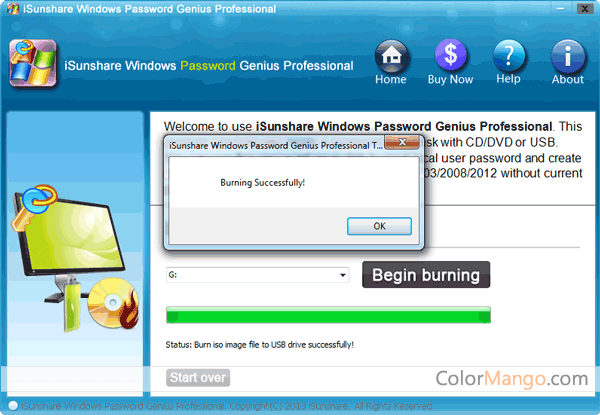
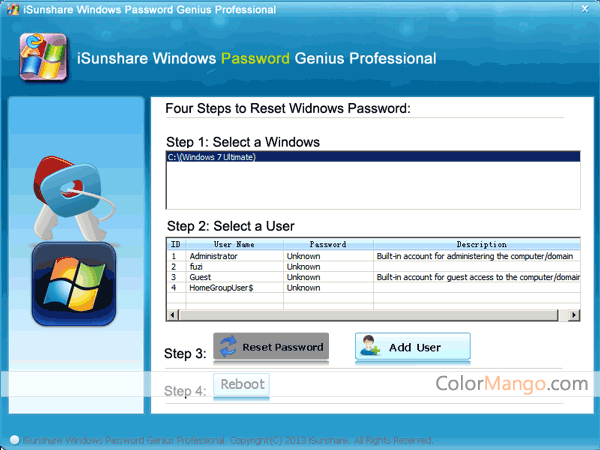
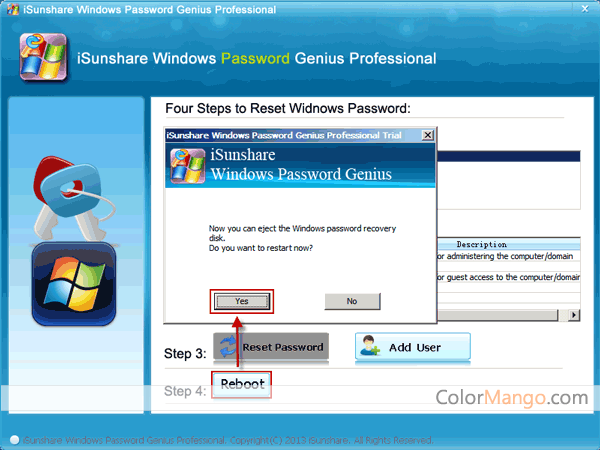
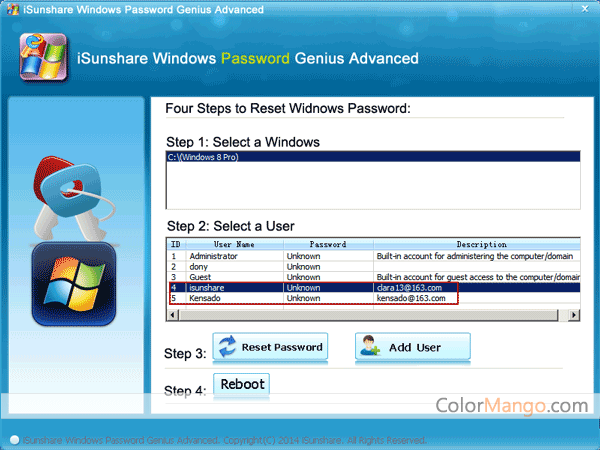
Don’t get anxious if you are stuck on the Windows administrator login page. iSunshare Windows Password Genius could help you to recover and reset the administrator/user password, or Microsoft account when you forgot it. iSunshare Windows Password Genius takes you only a few minutes to get things back on track, and it works with all Windows OS.First, install iSunshare Windows Password Genius on a healthy computer. Then connect your USB/CD/DVD or other storage hard disks to the computer. Next, create a password reset mode on your hard drive. After that, put through your disk and your locked computer together, and boot your computer from the reset disk. Your computer will then unlock within seconds! If you still have confusion, iSunshare Windows Password Genius provides tutorials to help you step by step.
The Power of iSunshare Windows Password Genius:
1. Support all Windows OS like Windows 10/8/7/Vista/XP and more.
2. Recover passwords from all kinds of login accounts like local administrator, domain administrator, other user accounts, or even create a new account.
3. Find your password back through all types of your external hard disk.
4. Provide instructions to guide you step by step.
5. Easy to use and intuitive interface.
Customer Reviews
Be the first to share your thoughts!
Is this a killer deal? How is the product? Share your experience and help the community shop smarter!
Customer Q&A
- ❓ Did iSunshare Windows Password Genius have any discounts during Black Friday/Cyber Monday?
- There were no extra discounts for iSunshare Windows Password Genius during Black Friday/Cyber Monday 2025.
🕵️♀️ ColorMango regularly monitors iSunshare Windows Password Genius deals during Black Friday/Cyber Monday and updates the latest discounts as soon as they are available.