







🍪 ColorMango uses your cookies to give you the best experience on our website. Learn more on our Privacy Policy
Verified Coupons · Updated Daily
Curated Price DropsNewsletter ExclusiveShared Premium Subscriptions
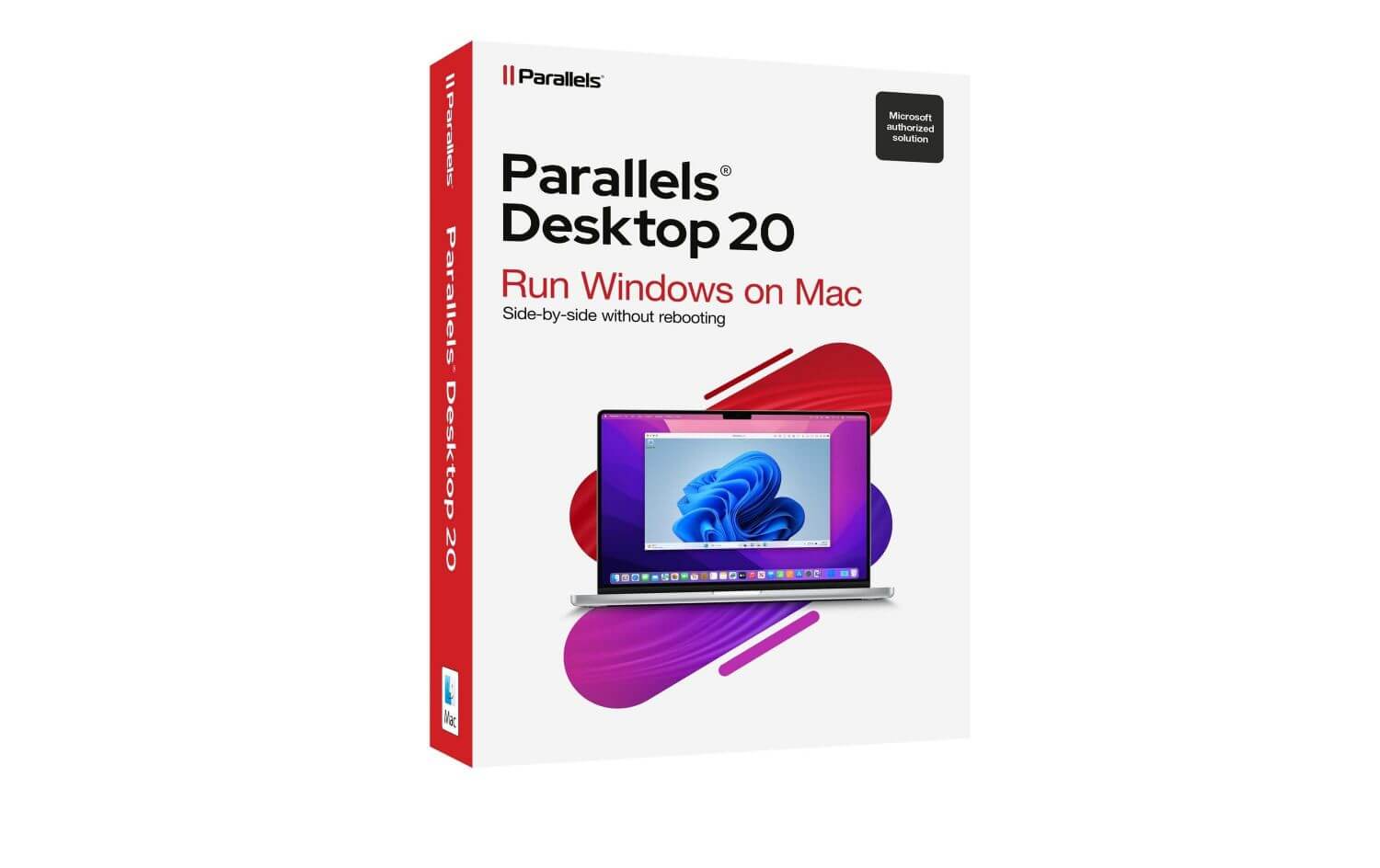
Parallels Desktop for Mac coupon page showing verified discount deals and offers

Parallels Desktop for Mac Coupons & Deals: Enjoy 45% Discount (Jul 2026 · 99% Working)

Limited Time Offer:
Verified by Todd
Parallels Desktop for Mac coupon page showing verified discount deals and offers
  • 45% Off
  • 45% Off Parallels Desktop Standard
  • 35% Off
  • Standard Edition - 1 Year (Official) - 1 Mac
    60+
  • $64.98 $99.99
  • $35.01
  • Standard Edition - 1-time purchase
    10+
  • $219.99
  • -
  • 35% Off
  • 🔥Pro Edition - 1 Year (Official) - 1 Mac
    70+
  • $77.98 $119.99
  • $42.01
  • 35% Off
  • Business Edition - 1 Year (Official) - 1 Mac
    10+
  • $97.47 $149.99
  • $52.52
  • 25% Off
  • Parallels Desktop for Government Employees - Standard (1 Year)
  • $74.99 $99.99
  • $25.00
  • 25% Off
  • Parallels Desktop for Government Employees - Pro (1 Year)
  • $89.99 $119.99
  • $30.00
  • 25% Off
  • Parallels Desktop for Military - Standard (1 Year)
  • $74.99 $99.99
  • $25.00
  • 25% Off
  • Parallels Desktop for Military - Pro (1 Year)
  • $89.99 $119.99
  • $30.00
  • 30% Off
  • 🎓 Student and Educator Edition (United States, Germany, France, Italy, Netherlands, Spain)
  • 50% Off
  • 🎓 Student and Educator Edition (Canada, United Kingdom)
  • 25% Off
  • Upgrade
  • $52.49 $69.99
  • $17.50
Past Offers (May have expired)
  • ✉ Newsletter45% off Standard and Pro Editions with a coupon code PD45. 35% off Business Edition with a coupon code BIZ35. Locales: Global (excl. APAC)
  • ✉ NewsletterSave up to 45% on Parallels Desktop. 45% off on Standard, Pro, and 35% off on Business Edition.
    Codes: PARALLELS45 | BIZ35 | GOLDEN45 | BIZ35
  • ✉ NewsletterSave 35% on Parallels Desktop from March 17 through April 14.
  • ✉ NewsletterSave up to 45% on Parallels Desktop from February 23 through March 9.
    Codes: STD45 | PRO45 | BIZ35
  • ✉ NewsletterBlack Friday: Up to 50% off Parallels Desktop. Pro/Standard 50%, Business 35% (30% China/HK).
    Codes: NEW50 | PARALLELS50 | NEW35 | PARALLELS35 | NEW30 | PARALLELS30
  • ✉ NewsletterGet Parallels Desktop 26 at an exceptional value to run Windows on Mac. Standard & Pro 1Y Editions: 45% off. Business Edition: 35% off.
    Codes: NEW45 / PARALLELS45 | NEW35 / PARALLELS35
Past Offers (May have expired)
Final price shown at checkout may vary — contact us if the discount doesn’t work.
More Product Info
Visit Official Site
Instant Delivery
✉️ You will get the registration code and download URL in your inbox after checkout.

📍 Why Use Parallels Desktop for Mac

30 Days Money Back Guarantee
You may request a full refund for any reason within 30 days of your product download purchase.

Parallels License Info
As a Parallels Desktop for Mac license can only be used for activation on a single Mac machine at a time, you need to purchase the corresponding number of licenses to use Parallels Desktop for Mac on several Mac machines. However, if you want to move Parallels Desktop from one computer to another, you do not need to buy a new key. Instead, simply uninstall the software from the Mac it is currently installed on before installing on a new one.
  • Manually Verified & Regularly Updated
    Every deal is checked by hand and refreshed regularly to save you the frustration of landing on expired or misleading offers.
  • Spot an error or find a better deal?
    Report it here and we’ll thank you with a small reward of $5–$10. Your feedback helps the entire community keep these deals accurate.
  • How we keep this site running for free
    We are entirely reader-supported, which means our only goal is to find you the best discounts. To maintain our service, we may earn a small commission when you make a purchase — at absolutely no extra cost to you.

🧑‍💼 Extra Support

If the vendor is unresponsive or you have order/technical issues, we will assist.

⚡Fast Delivery (Software/SAAS)

For software/SaaS, activation details are typically delivered within 5 minutes.

Since 2006 — Rated 4.9/5 on Trustpilot.

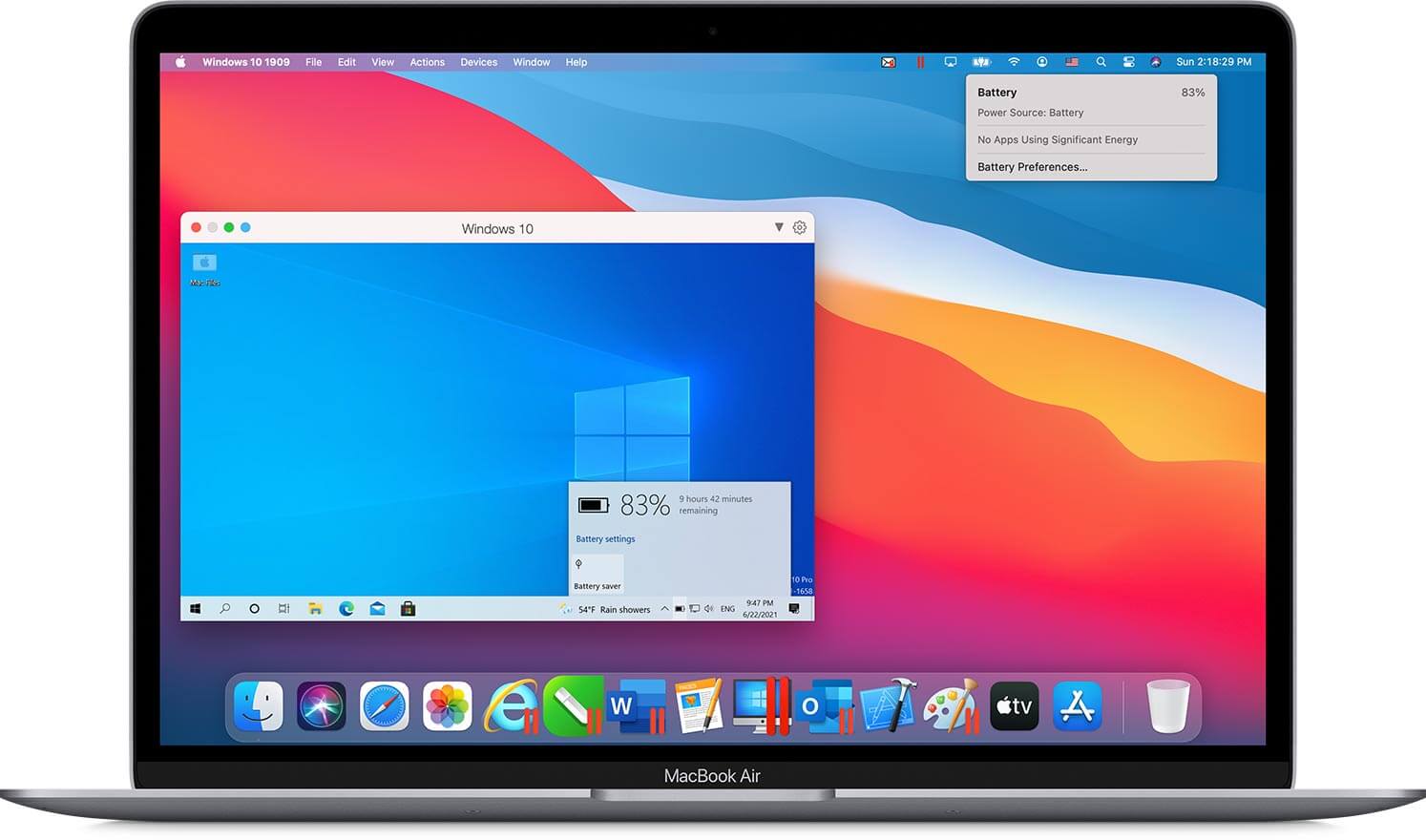
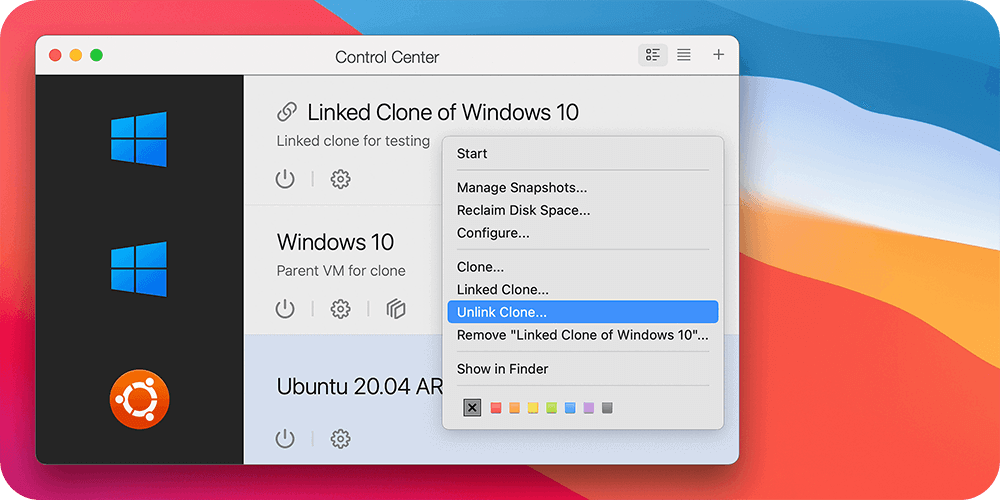
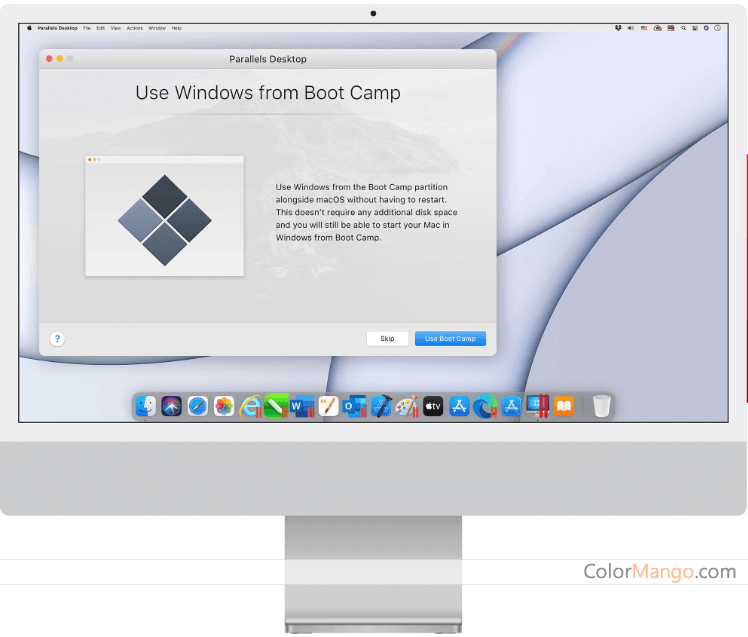
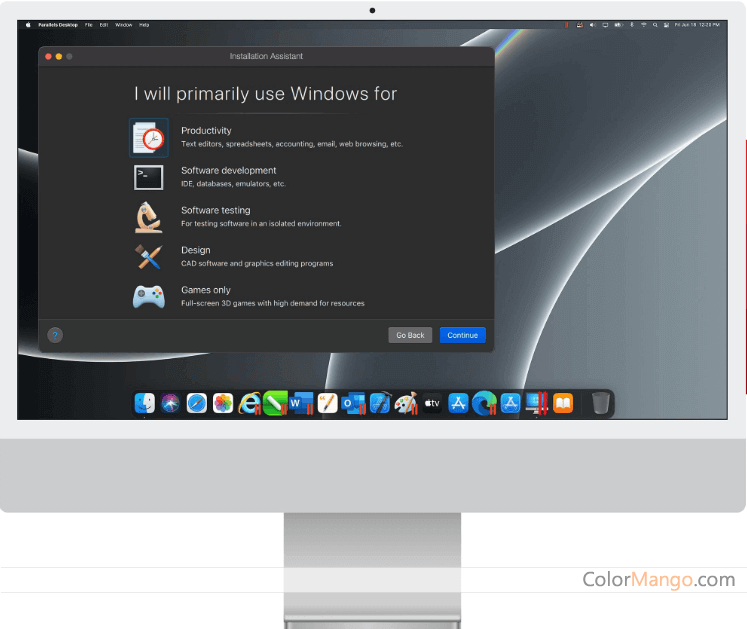
Run Windows and other operating systems on your Mac with smooth app sharing and no rebooting.

- Save time by avoiding restarts.
- Use Windows apps alongside Mac apps.
- Share files with easy drag-and-drop.
- Enjoy faster access to work tools.

Customer Reviews

4.3
40 votes
5
67% (27)
4
15% (6)
3
5% (2)
2
2% (1)
1
10% (4)
Comments (22)
Leave blank to post anonymously.
Tap a star to rate this deal or product
Minimum 10 characters
  • Роялти Netflix, Spotify, Steam, как оплатить loom pro из россии Google Turn либо —
    либо зарубежного хостинга сплошь и
    рядом заделывается темой из-за ограничений русских мучитель.
    Виртуальные картеж — спокойное решение, однако сервисов в
    избытке, и сортировка имеет
    возможность вестись трудным. В сеющей статье наш
    брат пространно соотнесем знаменитые виды, с целью
    вам отрыли первый прибор для собственных поручений.

    как оплатить зарубежный сервис
    если банк под санкциями
    Reply
  • I personally think Parallels performs better, has more useful features. In short, Parallels Desktop under Mac OS will make your Mac incredibly powerful.
    Reply
  • I’m always a PC lover. However, I turn to Mac recently. There are many programs that can only be used on PC. It seems I can either keep using PC or use Bootcamp. But Bootcamp can’t work seamlessly. Then I get to know about Parallels. I downloaded it to have a try. It is very easy to use. I can easily run my old applications on Mac. Parallels doesn’t cost me too much. It is really a cheap and effective software for anyone who wants to turn to Mac but keeps PC programs.
    Reply
  • I used to run Parallels 4 on my late '08 MB Pro with 4GB RAM. It ran very slowly, this is really annoying. Then I run build 6 version on the same machine with 8GB RAM, this brings a big difference. When I run Windows system with this tool, it seems I’m running a computer with native Windows system. I don’t use Windows very often. But every time I use Parallels, it loads very fast, I don’t need to wait long. Parallels is a good product, worth trying. Now I only need to wait for regular MS Windows updates.
    Reply
  • If you are currently using Mac computer, but want to use other system programs, especially the windows programs, the virtual system will be good choice, better than installing the dual system.
    Reply
  • Parallel is well designed. Very easy to use and work very well. Like it!
    Reply
  • Parallels Desktop 9 is a good partner for you MAC/PC. You can run more than 1 OS simultaneously with it. Before you decide to switch to another system, try Parallels first. You can see whether it works.
    Reply
  • Before Parallels, I used VMware, a similar product. Parallel is very handy, it is quite suitable for os x Mavericks. I use it on my office computer, it is very helpful.

    The only thing you need to consider is to have enough ram, so that everything can go smoothly. My current computer is MAC book pro 2010 with 12 megs of ram and intel core 2 duo.
    Reply
  • When I first heard that Parallels can enable me to run Windows applications on mac, I was quite doubtful. I’m working in a new medical practice recently. I just bought a mac for my office. Unfortunately, I found the new version management software can only work with Windows based server. This is really annoying. Then others recommended Parallels to me. I tried it on my mac, it really worked very well and I no longer have to replace the computer. I appreciate this wonderful software.
    Reply
  • In my daily work, I’m always trying to create audio and videos. Meanwhile, I also need to do lots of professional IT stuff. So I need two operating systems running at the same time. Parallels just helps me a lot for what I need.
    Reply
  • I started using Parallels on my mac more than 4 years ago. With its help, I can run enterprise software with win7 and keep using mac on my laptop in other cases.
    Reply
  • Ggreat
    Reply
  • Parallels Desktop is compatible with ESRI ArcGIS Desktop, its video driver has better compatibility than other similar products. I often use Virtualbox on Linux. I can easily import the current virtual machines into Parallels.
    Reply
  • Parallel is a good software. I can develop windows software on mac directly. It works as well as it says.
    Reply
  • Parallels works very well. It provides good effect and integrates Windows, Linux, etc very well.
    Reply
  • Parallels Desktop for Mac is very good. I’m used to Windows system, now I just bought a Macbook. I like my Macbook, but there are some Windows apps that I can’t give up. I know BootCamp, but Parallel seems easier and handier. When it runs on my Macbook Pro with i5 processor and 8 GB RAM, it works very well. With it, I can change between different operating systems without booting.
    Reply
  • The installing and setting is very easy. It works very well. I can easily run window on iMac. This really helps me a lot.
    Reply
  • It is a good tool for Mac that simulates Windows and Linux environments. But it is not so flexible as VirtualBOX. I have used version 6,7 and 9 of Parallels for my XP installation.

    I also know Bootcamp, but I don’t use it so often. Parallel is good for me. It runs stably on my iMac late 2009 with 6Gb ram and a new SSD Maveriks. The result is amazing.
    Reply
  • With Mac, I never have to worry about memory running out, computer lockup or the Blue screen problem. Then with the help of Parallels, I can not only keep using mac, but also run PC-based software without any problem. This makes me very happy. When I run Parallels, it seems to be a Mac application. I’m really grateful for Parallels.
    Reply
  • Parallels Desktop works perfectly. I can run windows stably on mac as if I’m running a real Windows machine. I hope I don’t need to buy a new license of Parallels when Mac is updated to a new OS version.
    Reply

Customer Q&A

  • ❓ Parallels One-time fee License VS. Subscription License?
    Answer
  • One-time Fee License - No FREE Upgrade, No expiration date.
    Subscription License - FREE Upgrade

    Most users - buy the lifetime edition that does not support free upgrades for a large version.
    Users with a need for updates - buy the subscription version, which supports free upgrades, but requires annual renewal.

    Both are similar, and both can get upgraded, like the macOS upgrade - for example, in the previous PD 17 version, they upgraded to support the old Intel chip version, the new mac m1, and the win11 optimized.
  • ❓ How many computers can I run Parallels on?
    Answer
  • One Parallels Access subscription (paid, free or trial) allows connecting to 5 remote computers.
  • ❓ Why isn’t my Parallels Desktop for Mac promo code working?
  • ❓ Are the Parallels Desktop for Mac promo codes on ColorMango legitimate?
  • All Parallels Desktop for Mac promo codes are obtained through official sources — including direct brand partnerships, verified newsletters, and manual verification by our editors.
    Every discount is carefully reviewed and tested by the ColorMango team to ensure authenticity and safety.
    💡 You can use these promo codes with full confidence to enjoy official discounts.
  • ❓ How often are Parallels Desktop for Mac promo codes updated?
  • Over the past year, Parallels Desktop for Mac promo codes have been updated 10 times.
    The codes displayed on this page are the latest, verified, and highest discounts (user-reported invalid: 1 times), so you can use them with confidence. We continuously monitor official and partner channels and update the codes immediately when new promotions are found.
  • ❓ Did Parallels Desktop for Mac have any discounts during Black Friday/Cyber Monday?
  • Parallels Desktop for Mac had Black Friday/Cyber Monday discounts in 2025, with savings up to 50%.
    Please note these historical deals are for reference only — promotions vary by season, so be sure to review the latest offer above.
  • ❓ How to request a refund for Parallels Desktop for Mac?
  • Most software offers an unconditional refund guarantee within 7–30 days. You can check the official refund policy of the product, or contact ColorMango Support — we’ll assist you in completing the refund process smoothly.
Ask a New Question

More Coupons from Parallels (2)

Contact Us / Order Support

Score the best price from anywhere - since 2006
© 2006-2026 ColorMango.com, Inc.
All Rights Reserved.