- Audio & Video
- Video Capture Software
- Screen Recorder
Screen Recorder
Video Capture Software
BY CATEGORY4
BY CATEGORY
Screen Recorder
About Screen Recorder Freeware


4 1
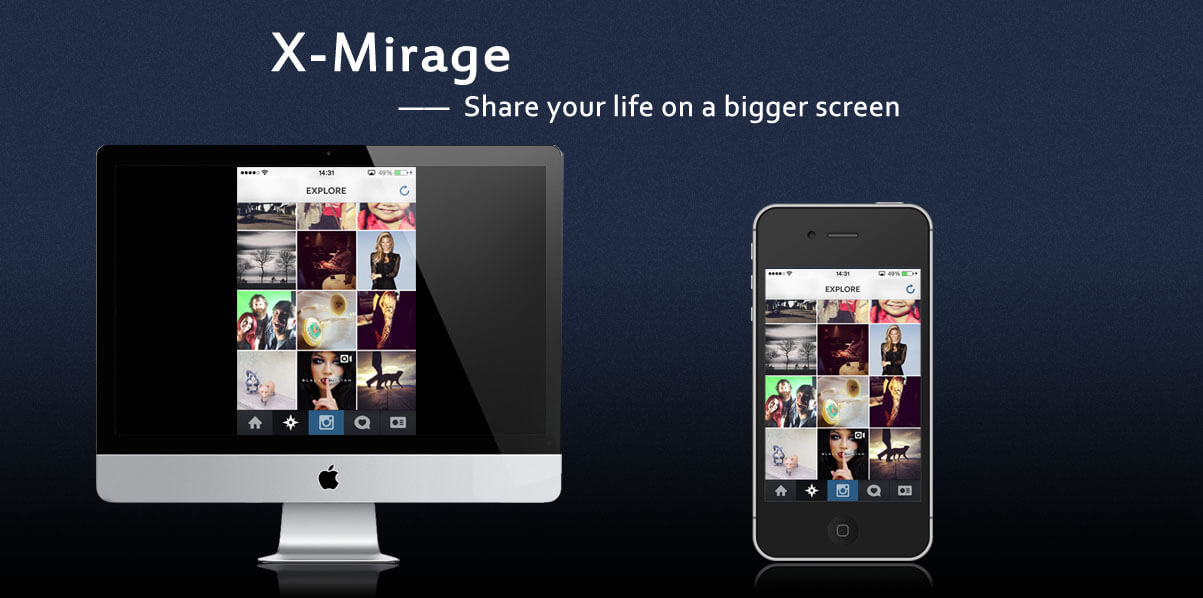
X-Mirage screenshot 2X-Mirage screenshot 3X-Mirage screenshot 4X-Mirage video- 260+Mirror and record iPhone or iPad screens on a Mac or PC.

1
- 210+A beautiful, open-source screen recording tool that offers a fast, privacy-friendly alternative to tools like Loom.

2
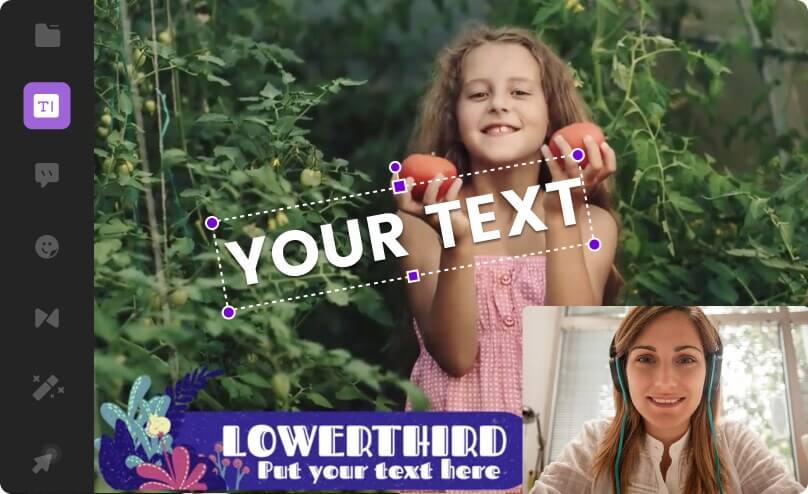
Wondershare DemoCreator screenshot 2- 100+A powerful and simple screen recording program allows you to create video tutorials.

2
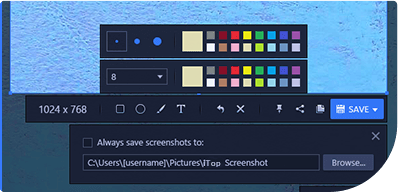
iTop Screen Recorder screenshot 2- 100+Simple and professional Windows screen recording software

2 1
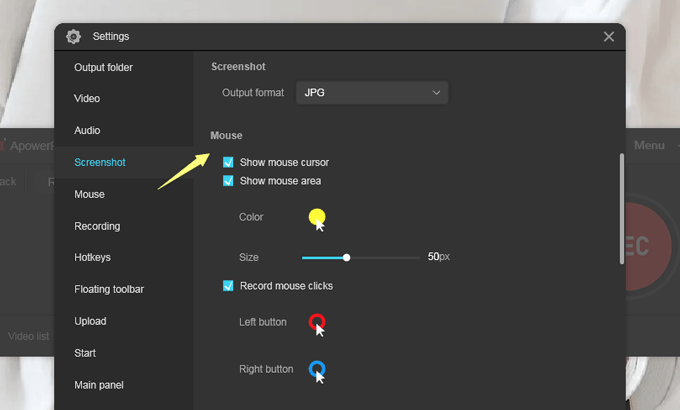
ApowerREC screenshot 2ApowerREC video- 90+Easy-to-use ultra-clear screen recording software, one-click audio and picture synchronous recording.

3 1
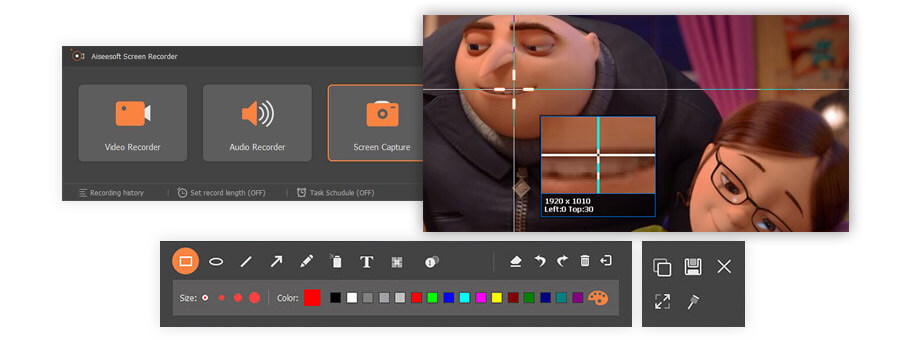
Aiseesoft Screen Recorder screenshot 2Aiseesoft Screen Recorder screenshot 3Aiseesoft Screen Recorder video- 60+Record any audio and video on your computer screen in real time

5
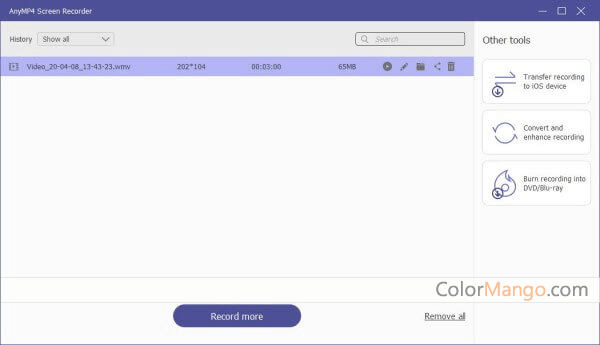
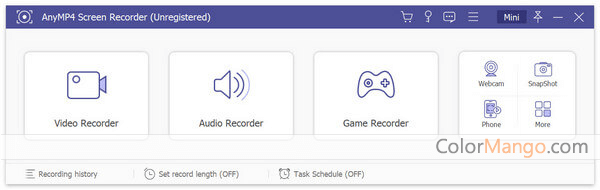
AnyMP4 Screen Recorder screenshot 2AnyMP4 Screen Recorder screenshot 3AnyMP4 Screen Recorder screenshot 4AnyMP4 Screen Recorder screenshot 5- 30+Record Any Kind of Your Screen Activity with High Quality.
2 1
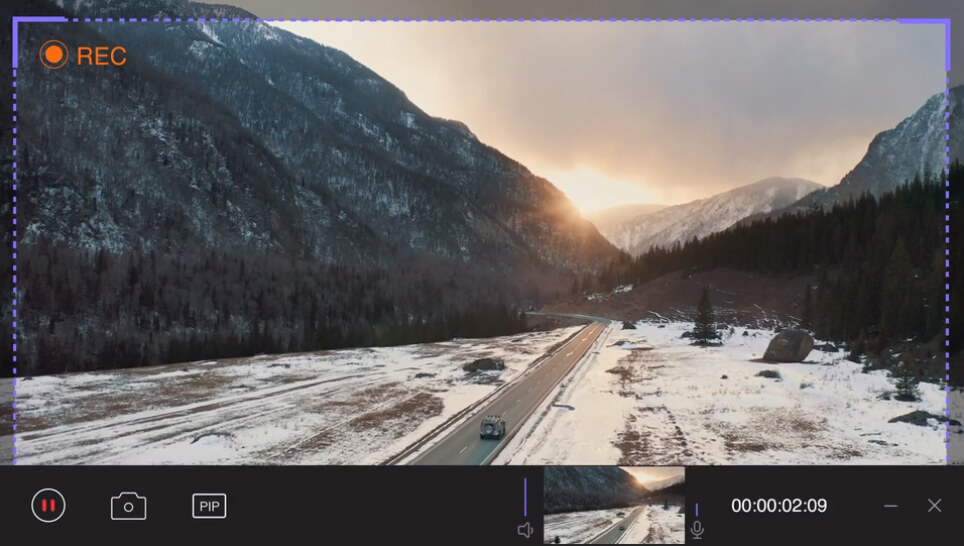
HitPaw Screen Recorder screenshot 2HitPaw Screen Recorder video- 20+A Lightweight and Earnest Versatile Screen Recorder

- 20+Screen recording software on Mac, can save, manage, edit, and upload recorded videos. It has a friendly user interface, and everyone can use it freely.

3
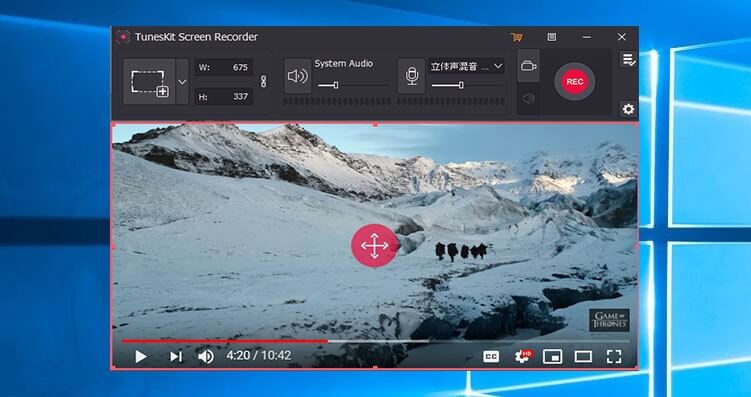
TunesKit Screen Recorder screenshot 2TunesKit Screen Recorder screenshot 3- 10+A smart tool to capture any video and audio activity in high quality on the desktop


1
- 10+A powerful video recording software for the game video. You can use this tool to record game, stream game video, and edit video. It can record your computer screen in high definition.

2
PassFab Screen Recorder screenshot 2- 10+A lightweight, cheap, and easy-to-use Windows screen & webcam recorder.
3
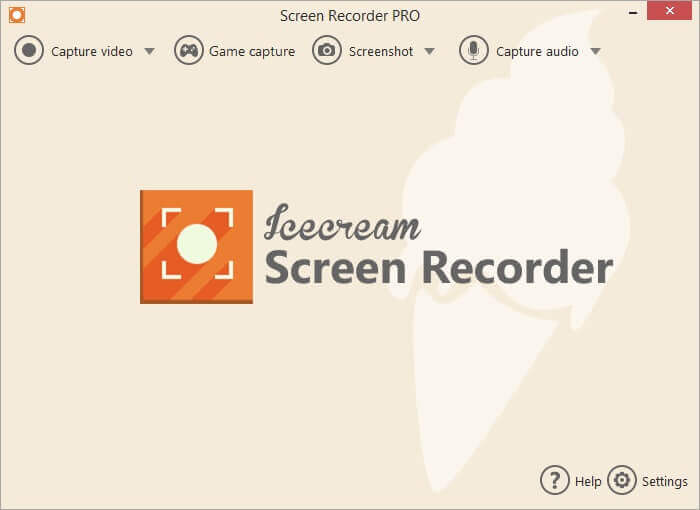
Icecream Screen Recorder Pro screenshot 2Icecream Screen Recorder Pro screenshot 3- 10+A very useful screen recording software can capture any area of the screen at any time, the friendly user interface makes it easy to use.


2
Tipard Screen Capture screenshot 2- 10+Computer screen recording software with simple operation


4
Renee Screen Recorder screenshot 2Renee Screen Recorder screenshot 3Renee Screen Recorder screenshot 4- 9Record any video you want to record, support live video recording, camera recording, sound recording and other functions.


3
GiliSoft Screen Recorder Pro screenshot 2GiliSoft Screen Recorder Pro screenshot 3- 8Powerful yet simple screen recorder program with great editing features.

1
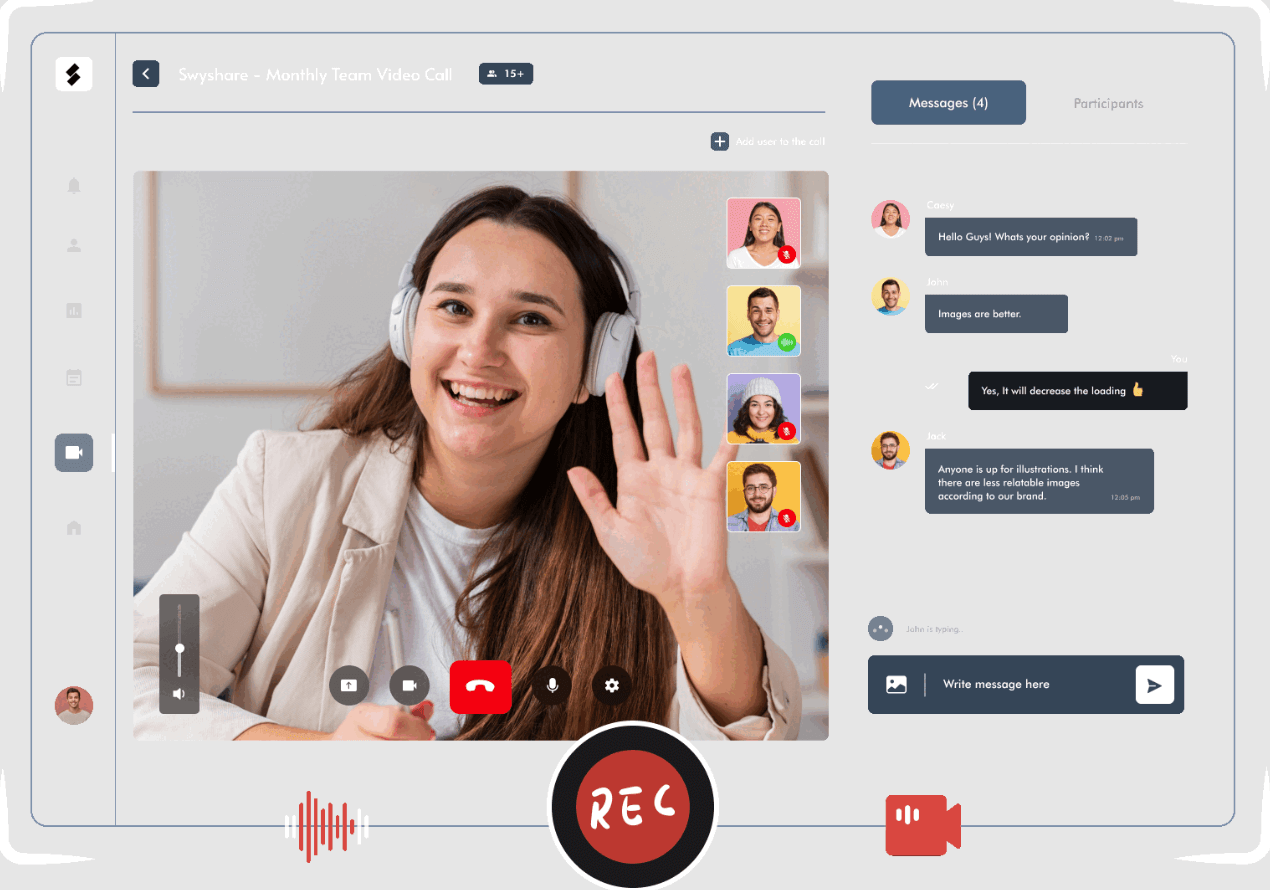
- 7A lightweight and powerful screen recording tool designed for quickly capturing screen and taking screenshots on PC.


5 1
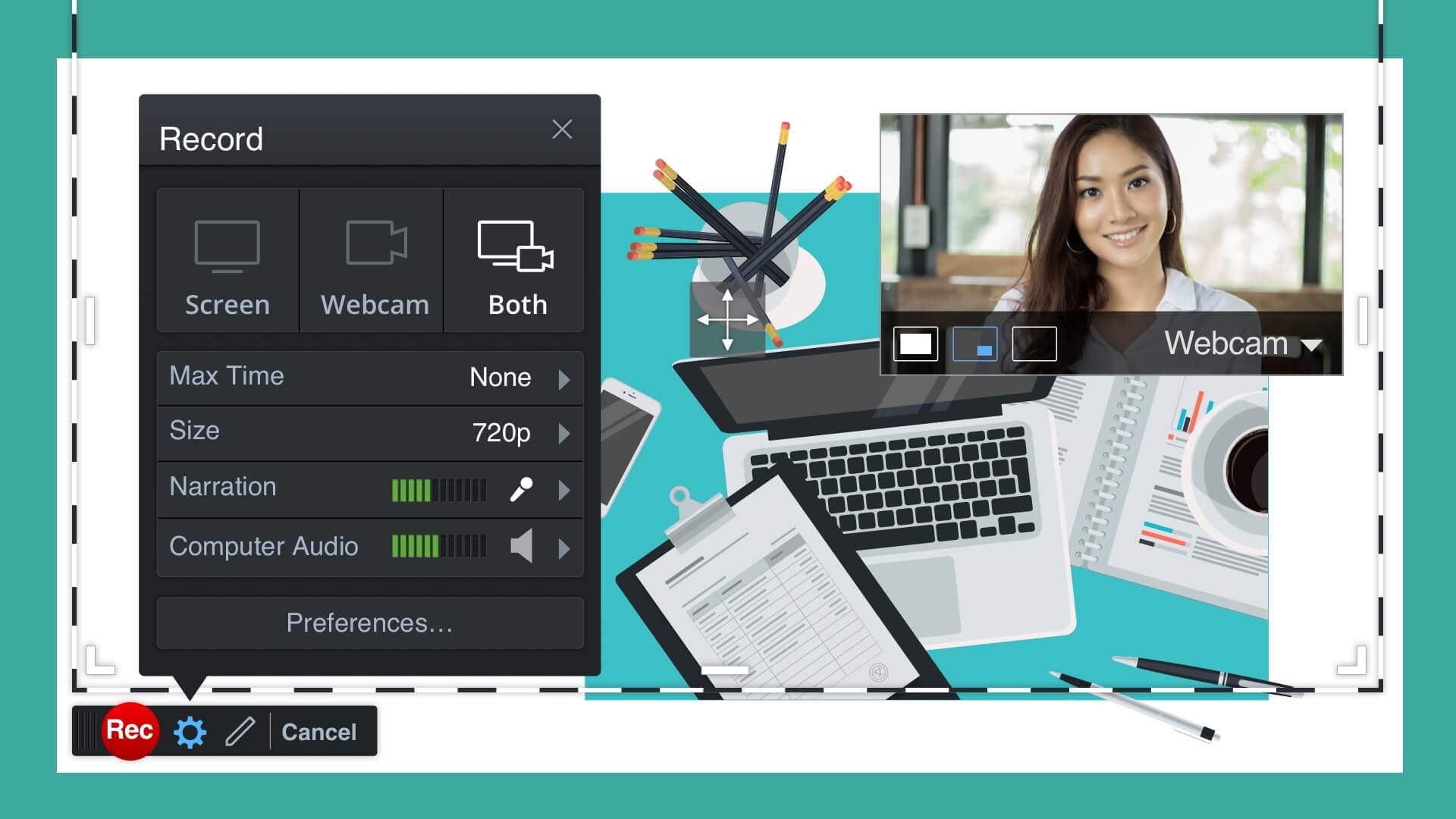
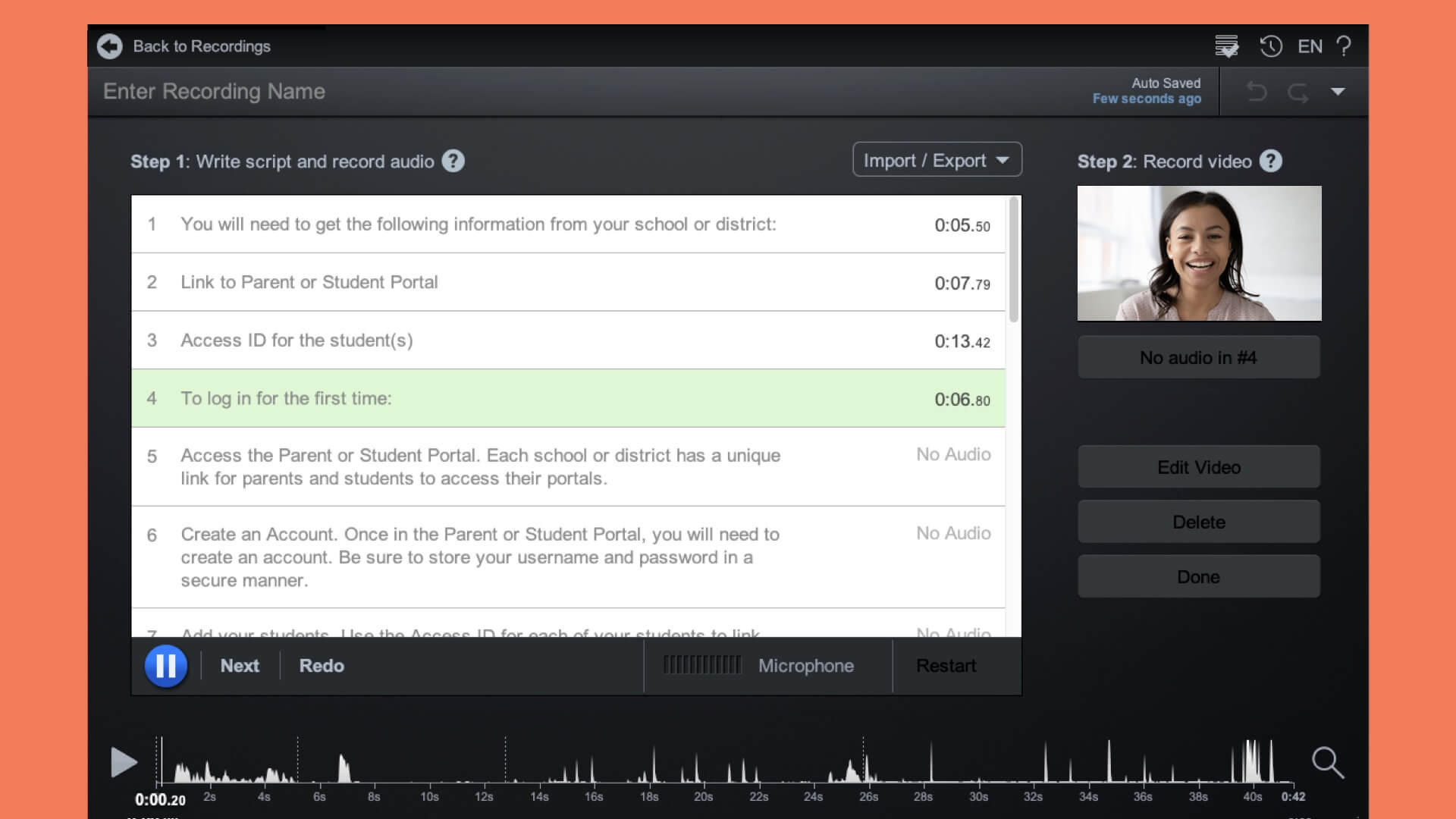
Screencast-O-Matic screenshot 2Screencast-O-Matic screenshot 3Screencast-O-Matic screenshot 4Screencast-O-Matic screenshot 5Screencast-O-Matic video Visit Site 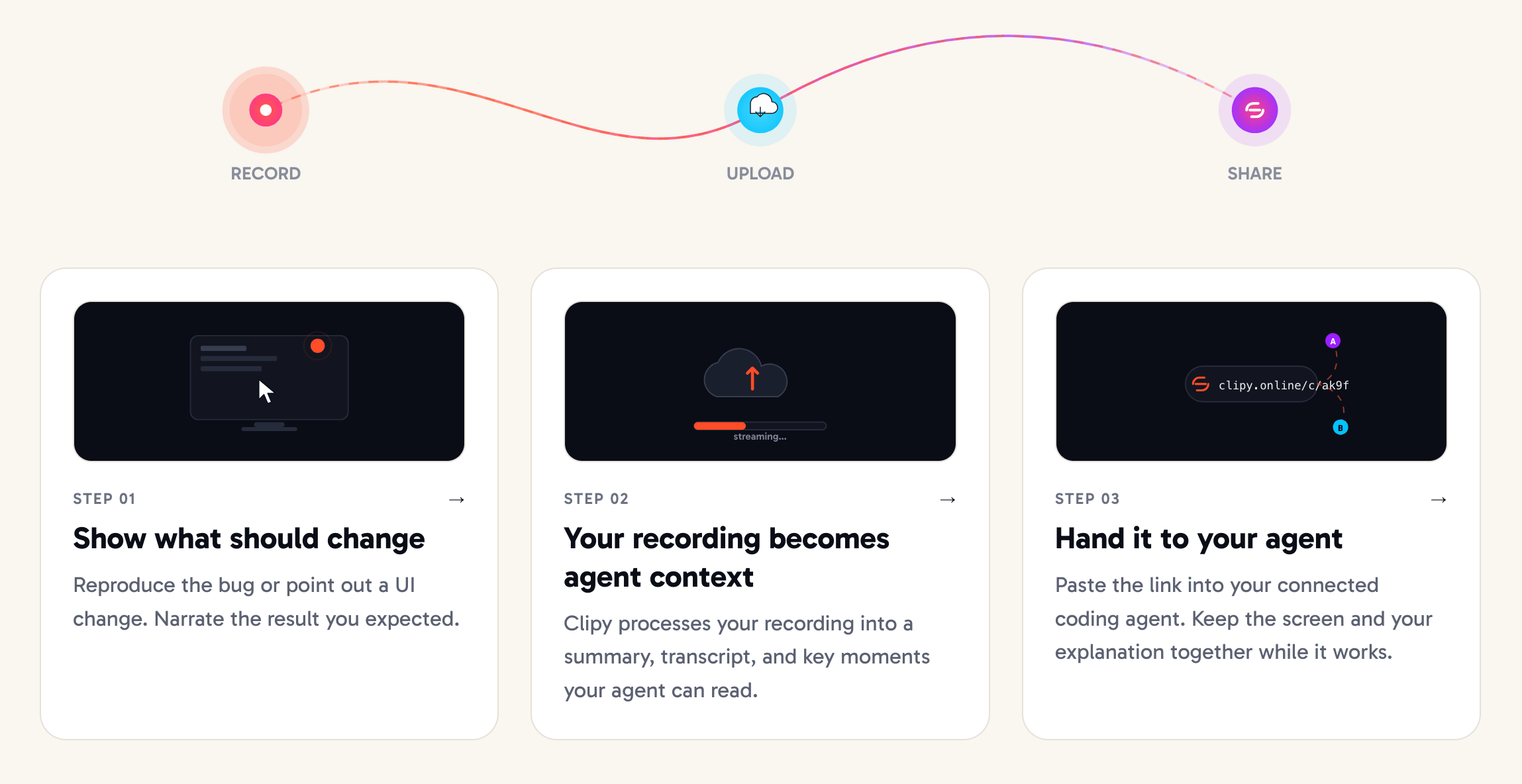
1
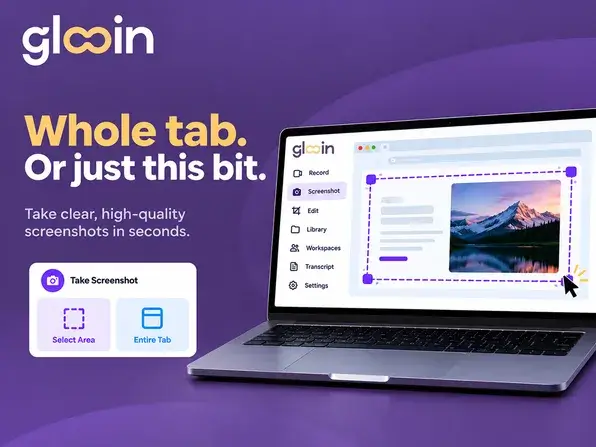
- Show coding agents bugs and requested changes through recordings with AI-generated context.

3
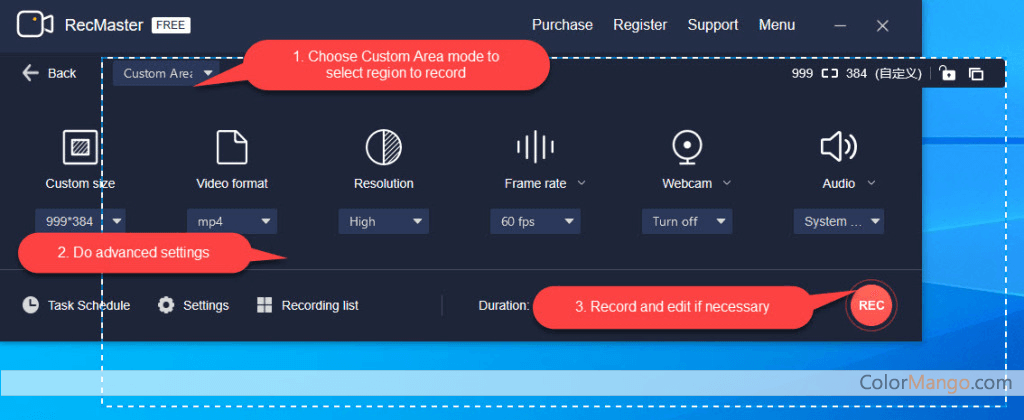
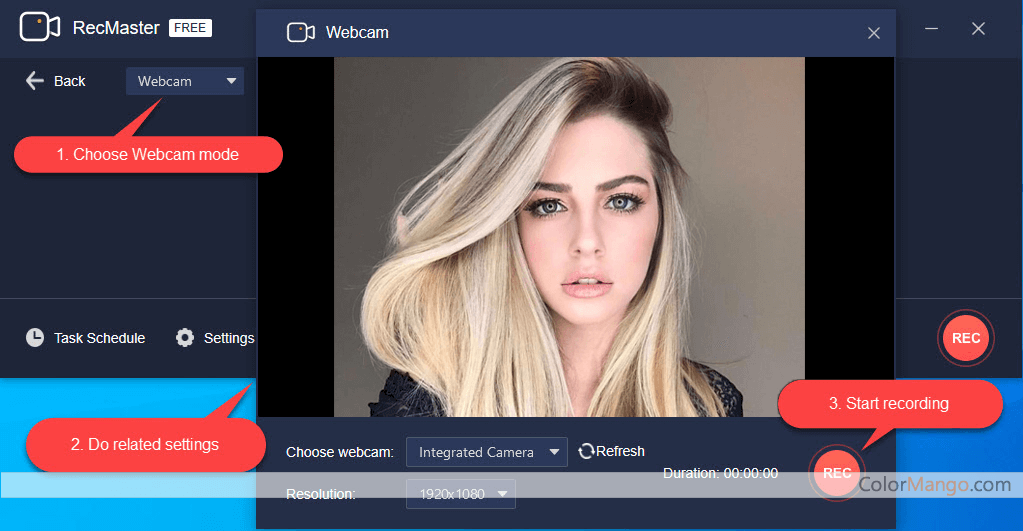
RecMaster PRO screenshot 2RecMaster PRO screenshot 3- Simple and practical screen recording tool
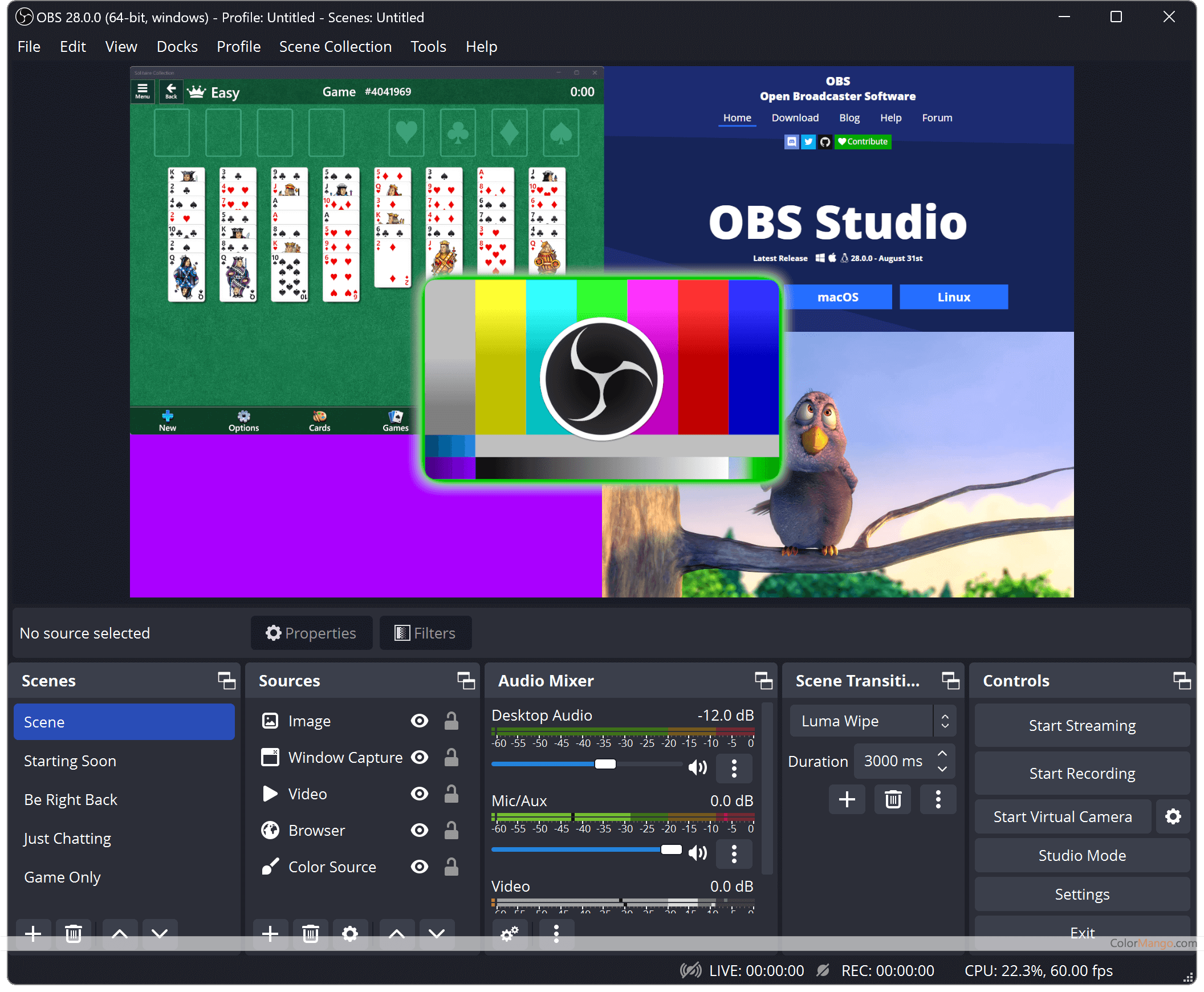
6
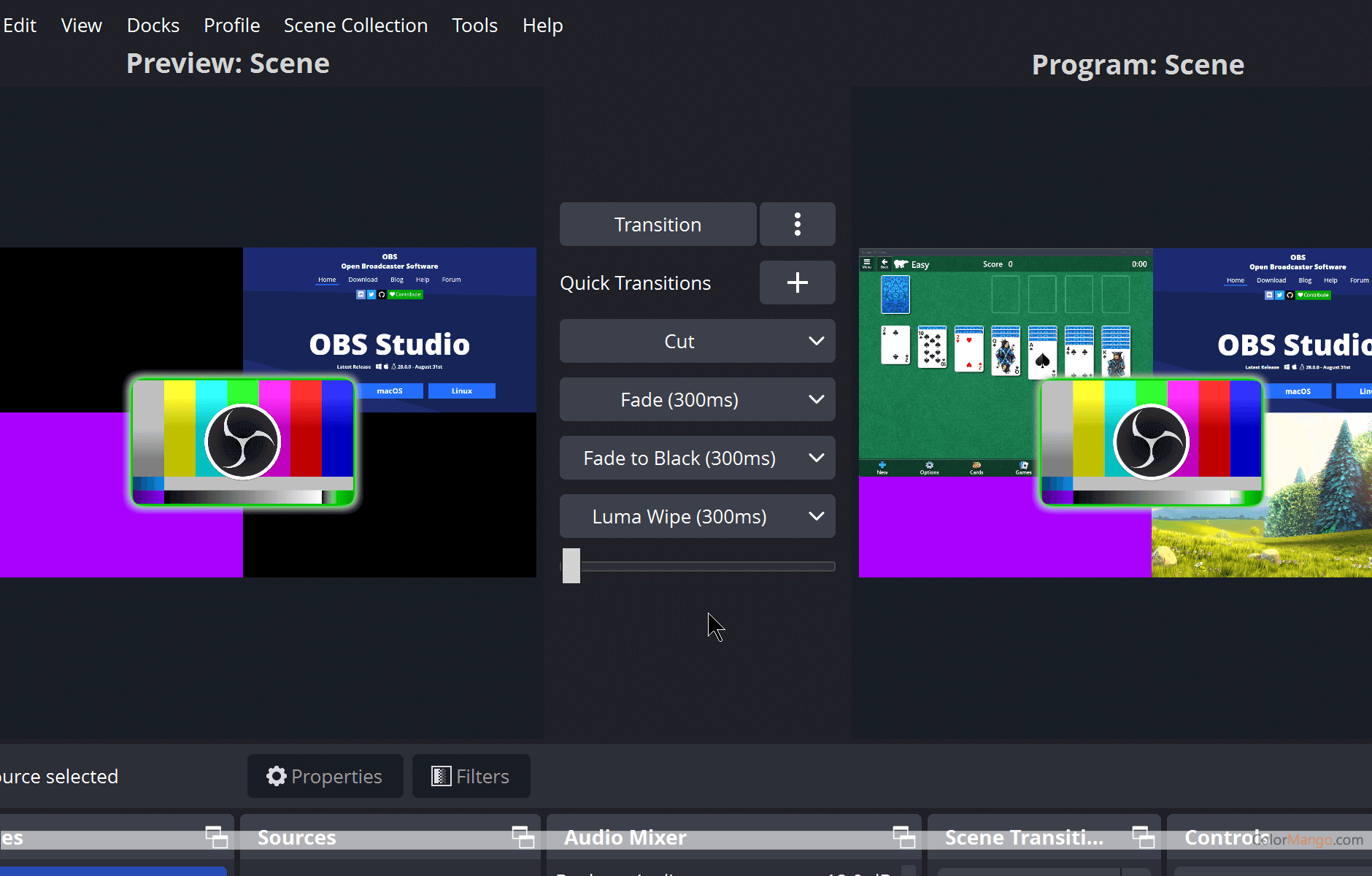
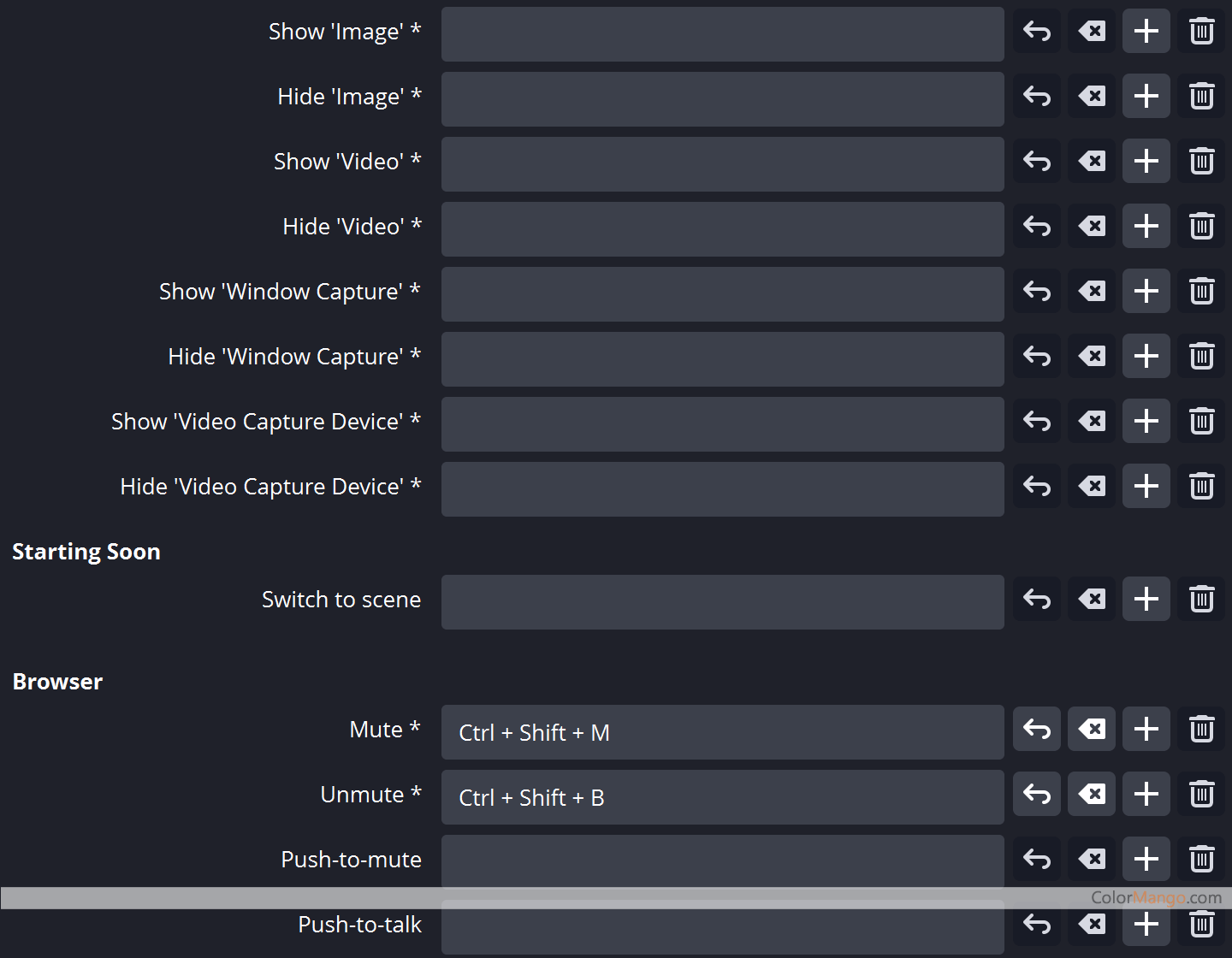
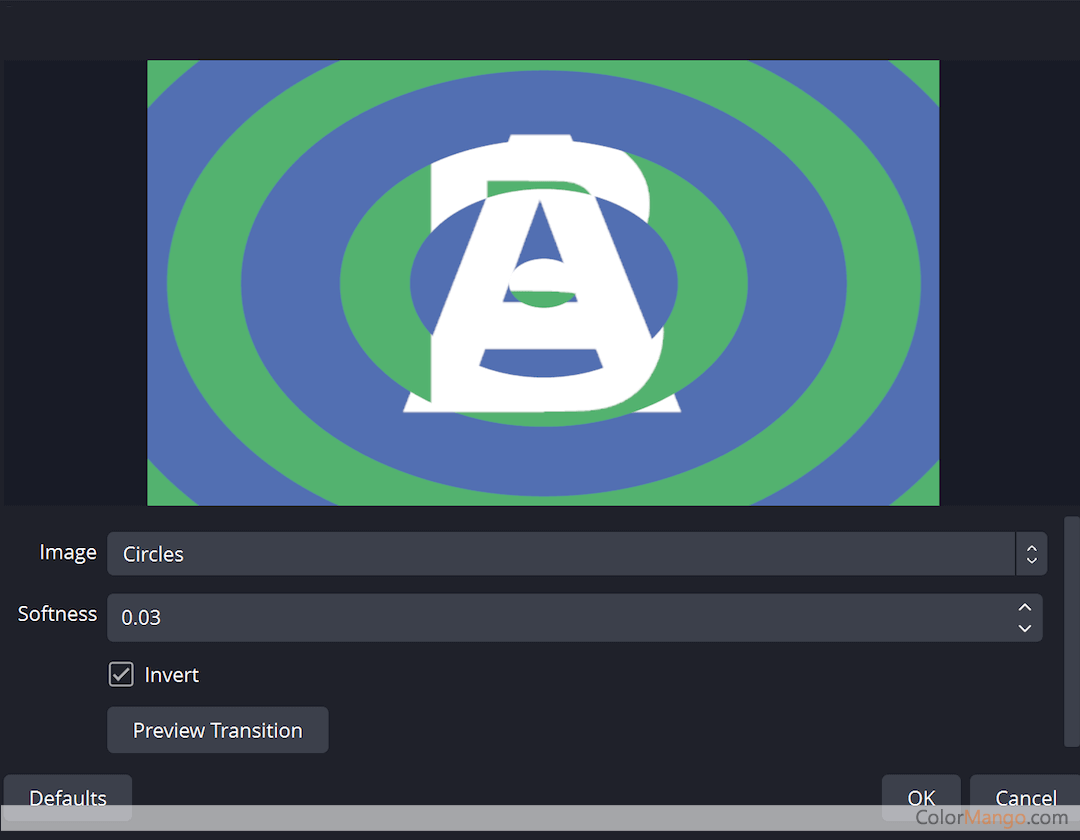
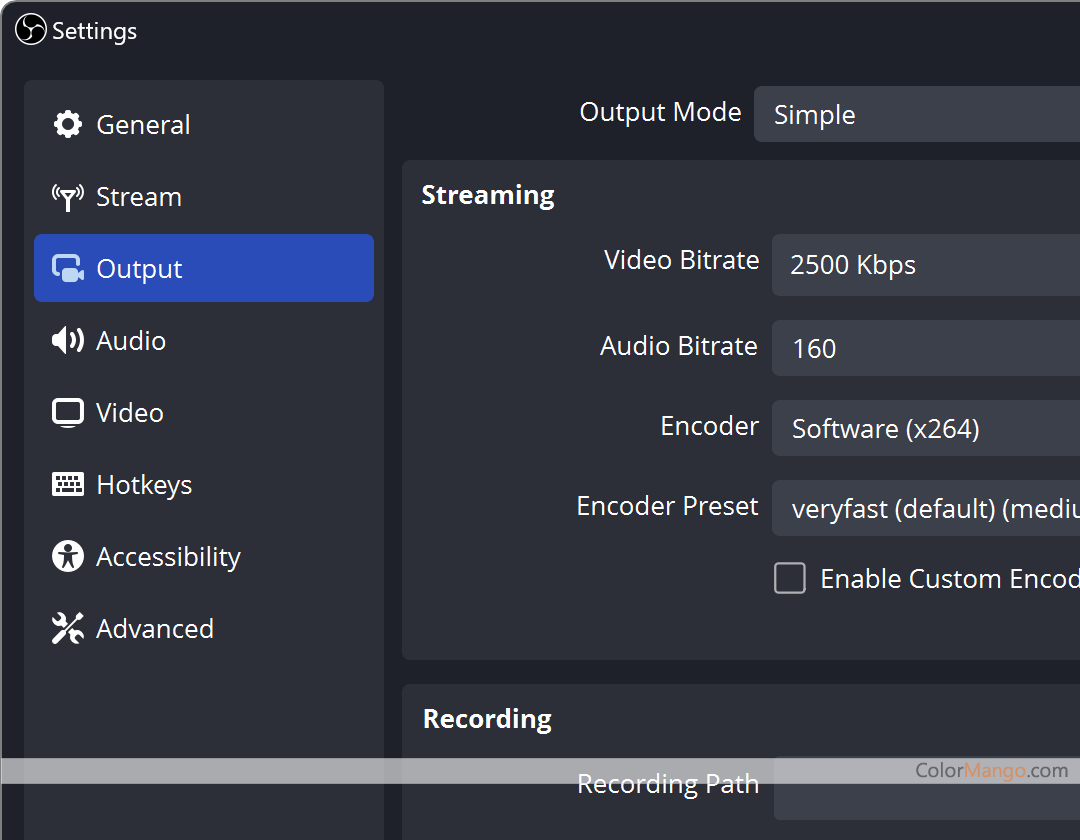
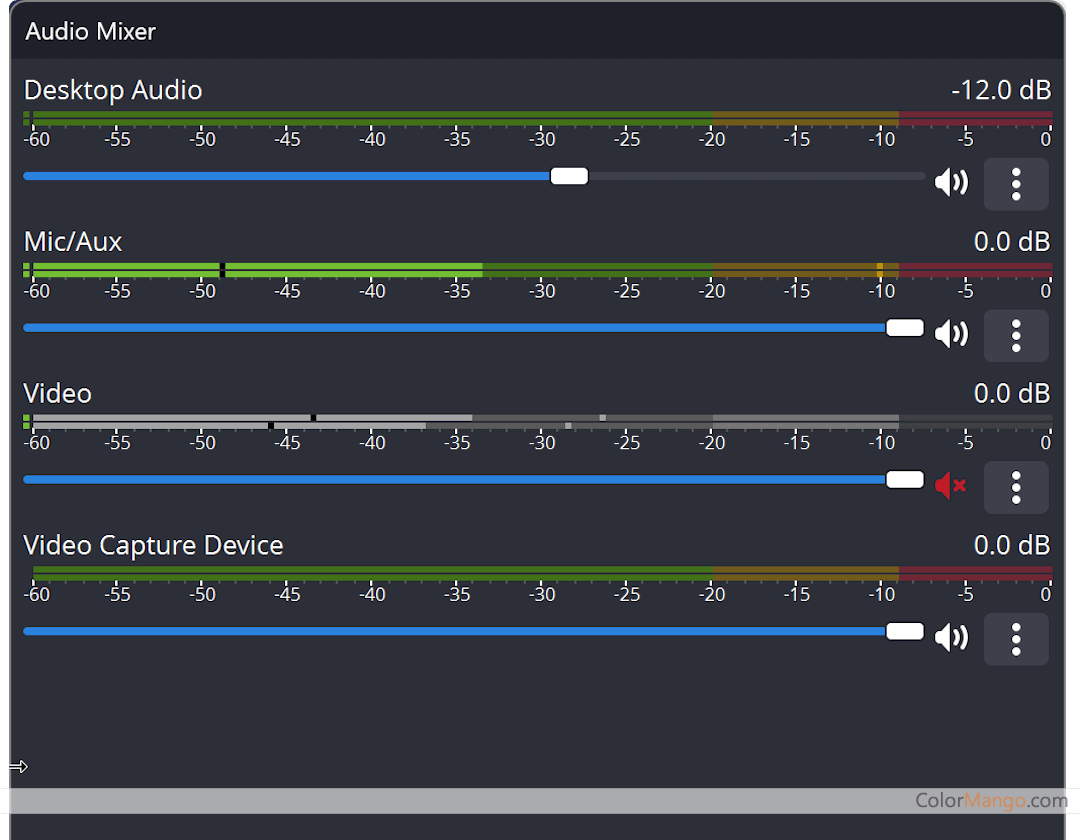
OBS Studio screenshot 2OBS Studio screenshot 3OBS Studio screenshot 4OBS Studio screenshot 5OBS Studio screenshot 6- A most popular free screen recording and live streaming program, best for gaming, Live events etc

1
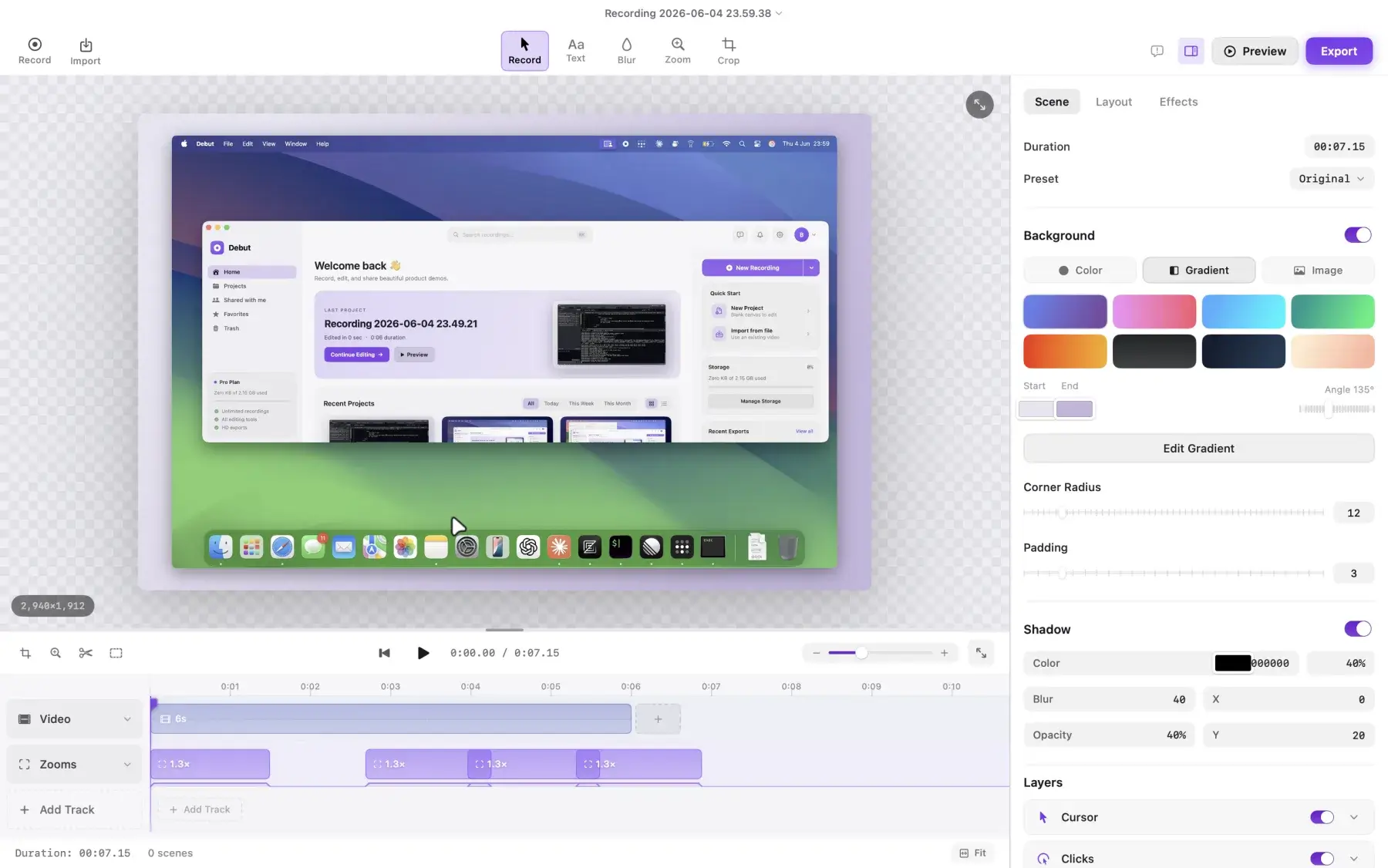
- Record and edit high-quality screen videos on macOS with incredibly fast export speeds and smart automated transcription.

Total: 38