I Tested AI Declutter Tools — What Actually Works for Home Organization
I tried using AI to fix my messy home.
The result was… not what I expected.
I thought AI could just “clean things up” for me.
Turns out, that’s not really how it works.
You clean and organize over the weekend…
but a few days later, it’s messy again.
I’ve been there too.
The living room isn’t small,
but somehow it still feels crowded.
You clear the table…
and it fills up again.
👉 I used to think it was a storage problem.
👉 It’s not.
From what I’ve seen:
• Living alone → things pile up slowly
• Family homes → you clean, but it comes back fast
• Shared spaces → no one really owns the mess
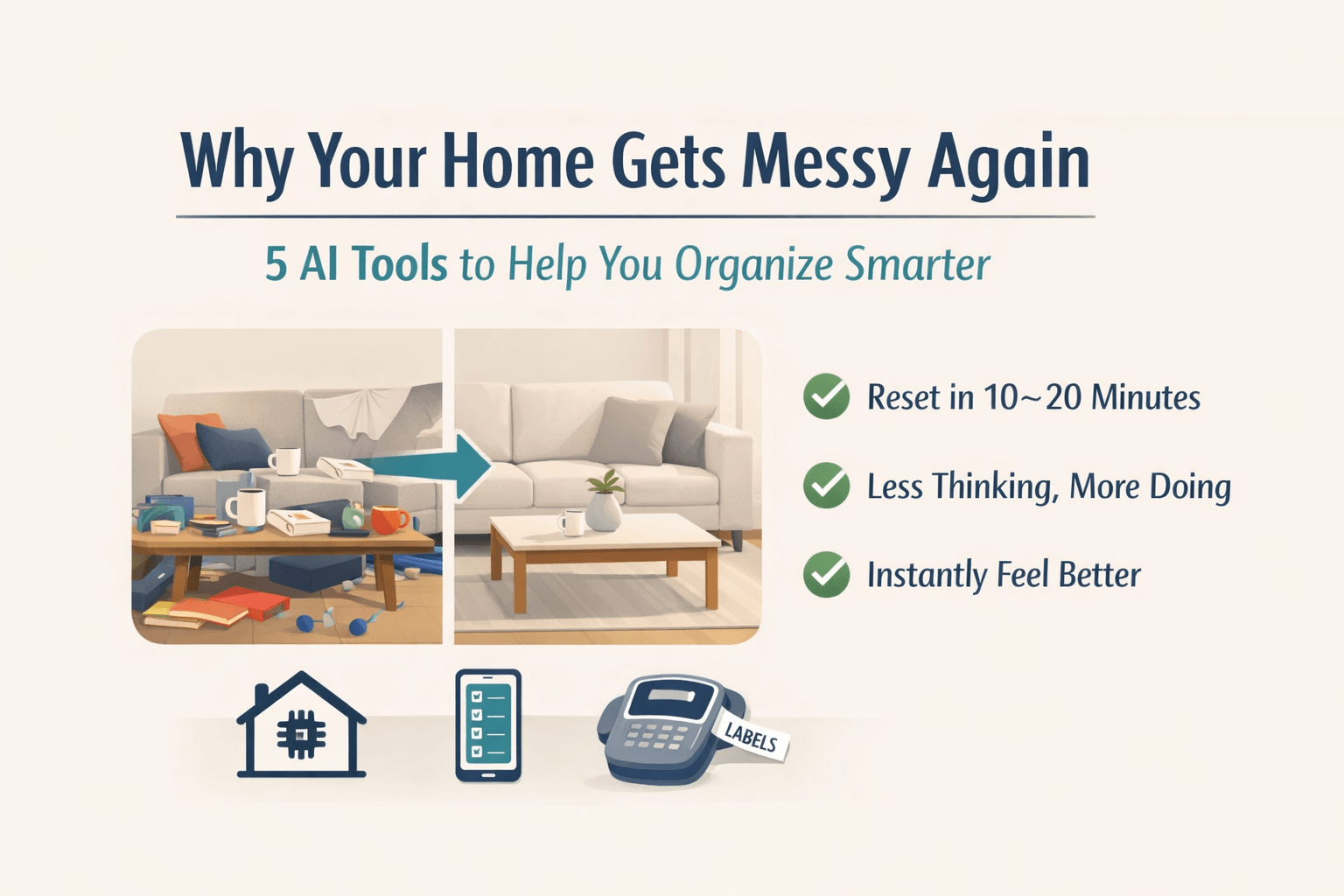
👉 The real problem is: things don’t have a system.
This is what I actually do now:
① Pick one small area
Table / entryway / one drawer
② Use the 4-pile method
Trash
Put away
Move elsewhere
Decide later
③ Give items a fixed place
👉 This is what actually stops the mess.
Once something has a place,
you don’t need to think anymore.
👉 Do this once, and you’ll feel the difference.
👉 If this already helps,
👉 AI declutter tools can make parts of this easier.
But not everything.
👉 It doesn’t really help.
From my experience,
removing clutter manually only takes a few minutes anyway.
So I stopped using it for that.
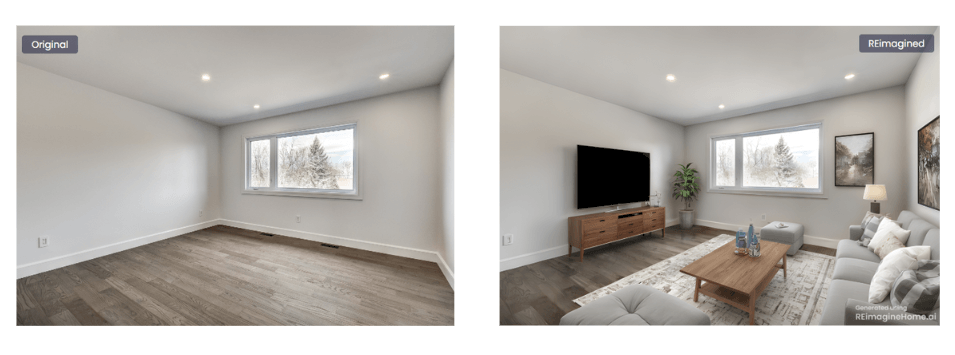
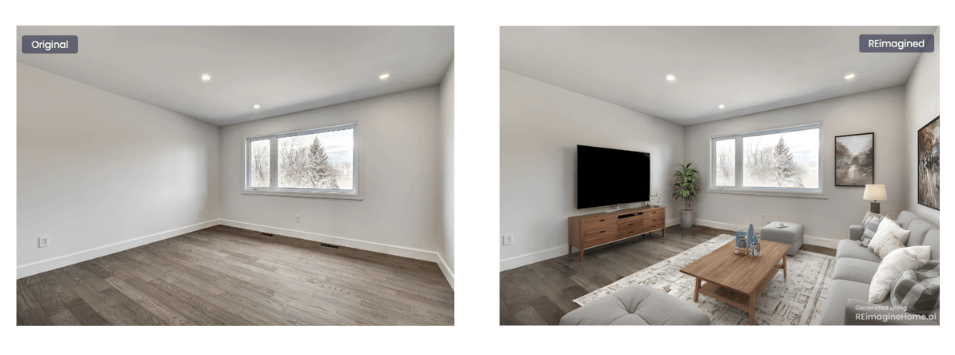
👉 Where it actually helps:
• Trying different furniture
• Testing storage ideas
• Seeing layouts before buying
👉 This is where it saves money.

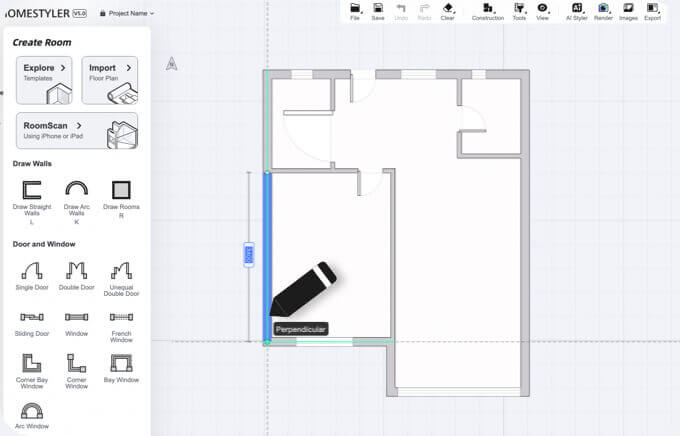
This is where things actually start working.Instead of “cleaning,”
you decide where everything should go.
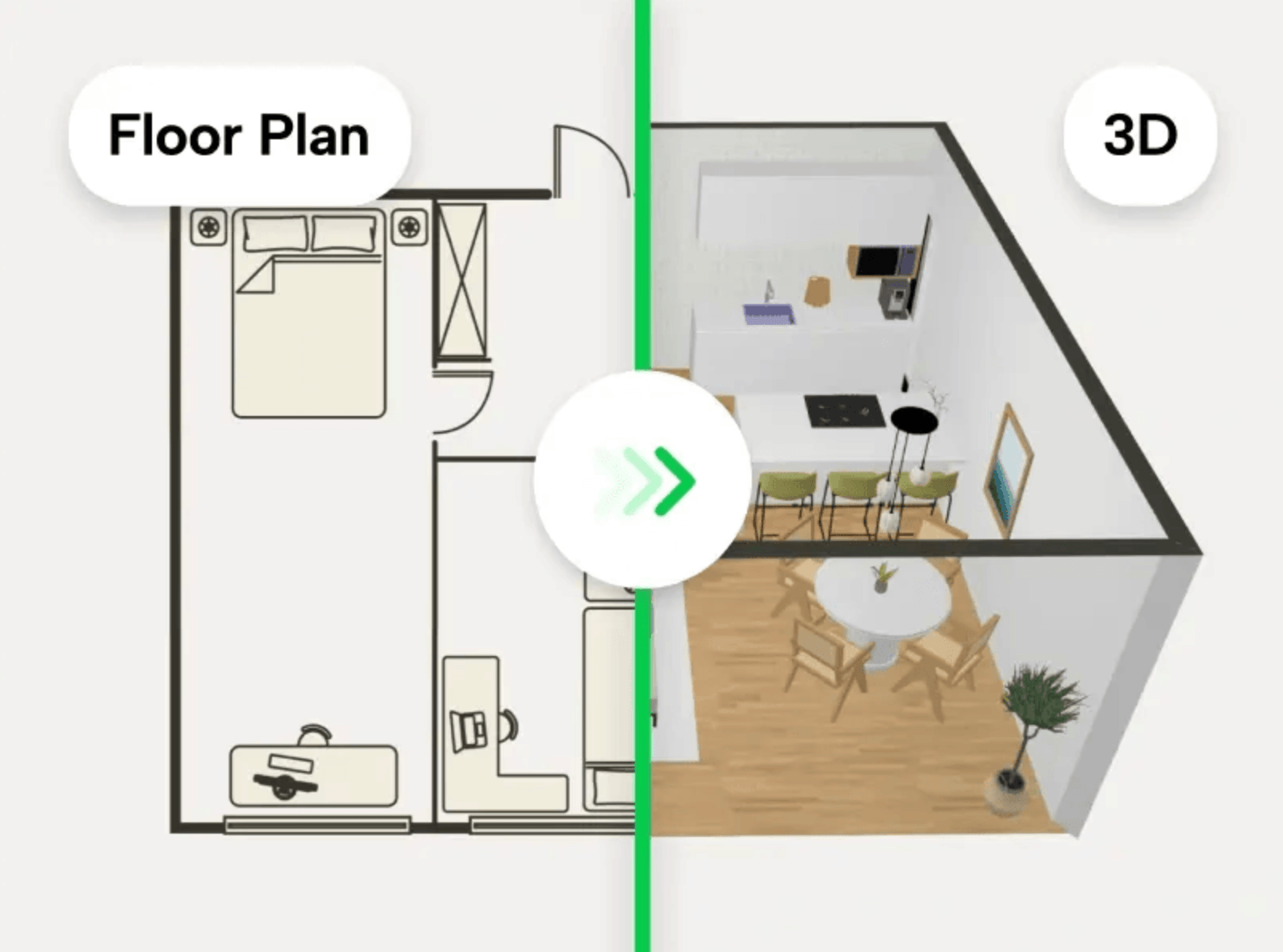
These tools help you:
• Plan furniture properly
• Avoid buying the wrong things
• Build a layout that actually lasts
💡 It takes a bit more effort upfront,
but saves time (and money) later.
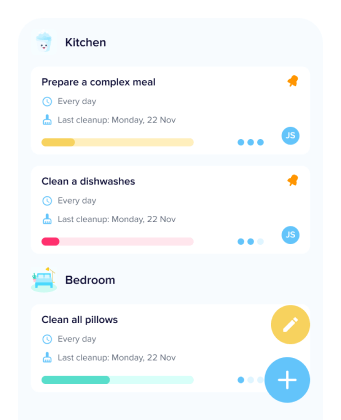
• Break tasks into small steps
• Track routines
• Share responsibilities
👉 But honestly,
if you live alone, you probably won’t stick to this.
It’s just too easy to ignore.
👉 If you have kids — this is very useful.
Because:
• You build habits
• Kids learn structure
• Everyone knows what to do
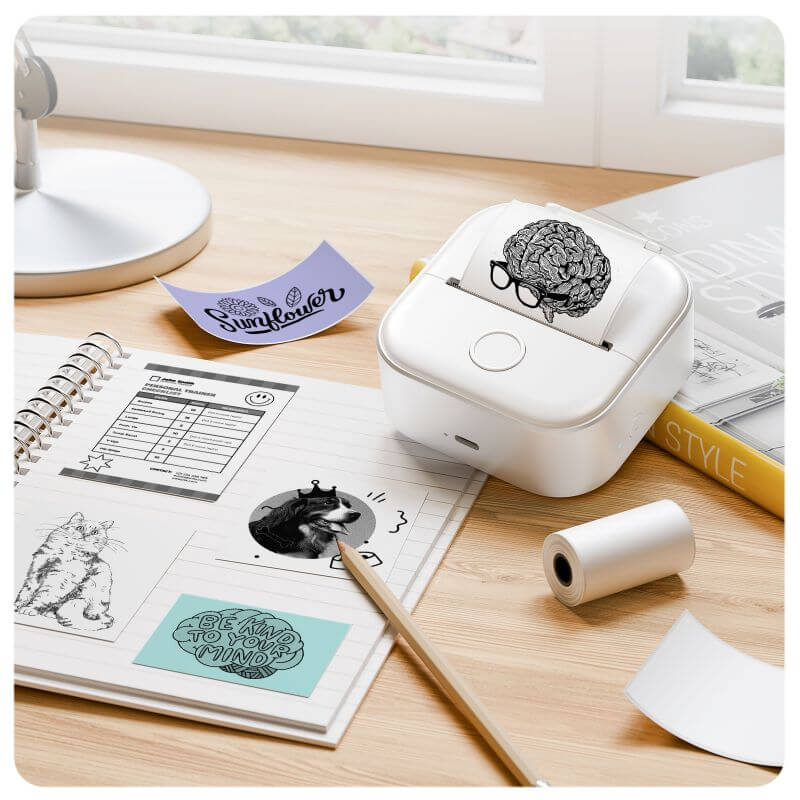
This is what made the biggest difference for me.
Now:
👉 Every drawer is labeled
👉 Every item has a fixed place
And the biggest change:
👉 I don’t need to think anymore.• No guessing
• No friction
• No delay
👉 AI didn’t fix my home.
👉 But it helped in specific parts.
What actually worked:
• Start small
• Give things a place
• Use AI only where it helps
Systems beat motivation — every time.
👉 You can start now.
No — but they can speed things up.
How long does it take?
10–20 minutes to get started.
Why does mess come back?
Because things don’t have a fixed place.
Are AI tools accurate?
Not always — use them as reference.
Do these work for everyone?
It depends — families benefit more than individuals.
Where should I start?
Start small. Then fix storage.
The result was… not what I expected.
I thought AI could just “clean things up” for me.
Turns out, that’s not really how it works.
You clean and organize over the weekend…
but a few days later, it’s messy again.
I’ve been there too.
The living room isn’t small,
but somehow it still feels crowded.
You clear the table…
and it fills up again.
👉 I used to think it was a storage problem.
👉 It’s not.
From what I’ve seen:
• Living alone → things pile up slowly
• Family homes → you clean, but it comes back fast
• Shared spaces → no one really owns the mess
👉 The real problem is: things don’t have a system.
⏱️ A simple 10-minute reset
You don’t need a full clean — just 10 minutes.This is what I actually do now:
① Pick one small area
Table / entryway / one drawer
② Use the 4-pile method
Trash
Put away
Move elsewhere
Decide later
③ Give items a fixed place
👉 This is what actually stops the mess.
Once something has a place,
you don’t need to think anymore.
👉 Do this once, and you’ll feel the difference.
👉 If this already helps,
👉 AI declutter tools can make parts of this easier.
But not everything.
🧰 What actually worked (after testing AI tools)
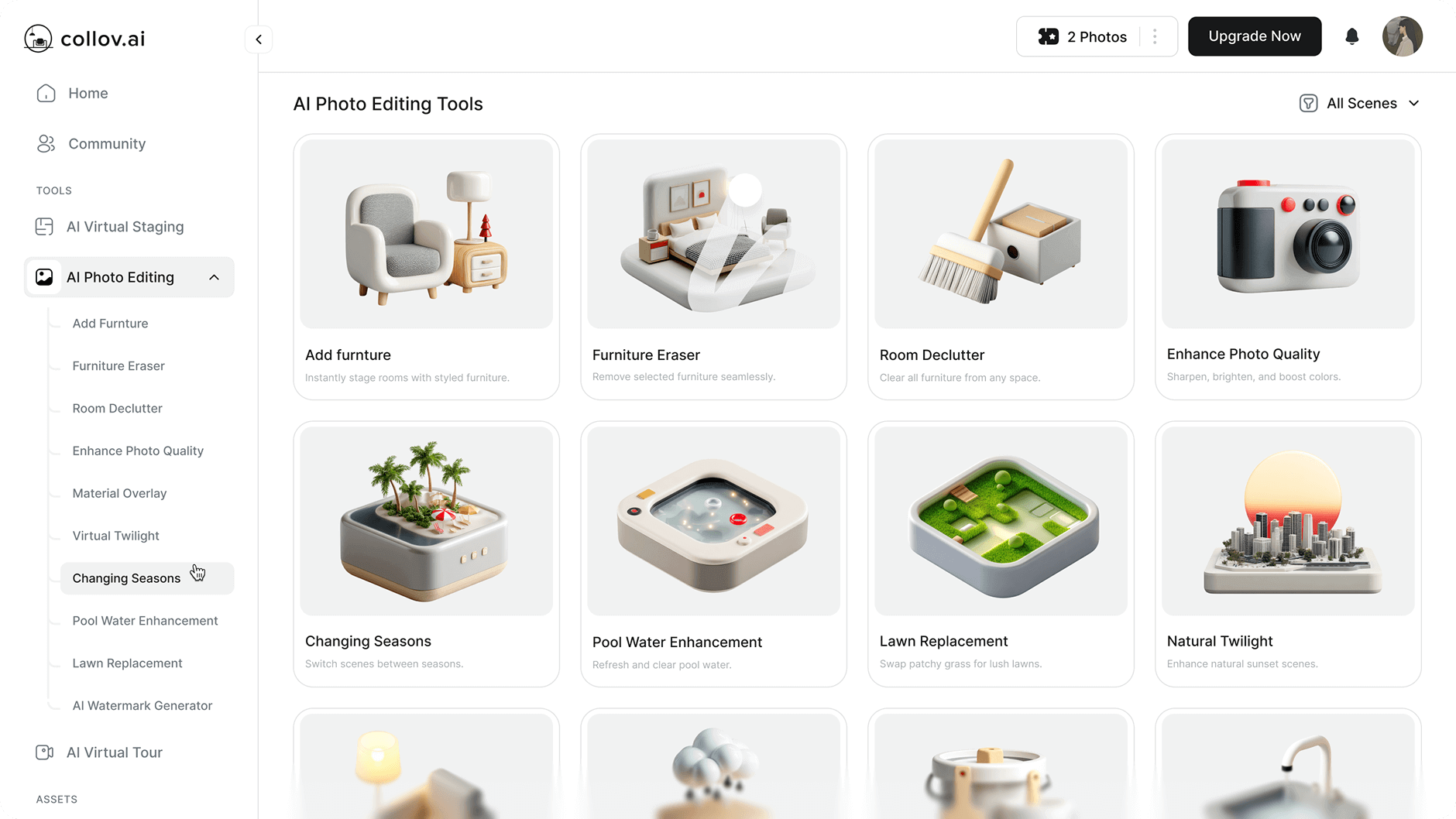
Visual AI — not for decluttering
Most people think this removes clutter.👉 It doesn’t really help.
From my experience,
removing clutter manually only takes a few minutes anyway.
So I stopped using it for that.
👉 Where it actually helps:
• Trying different furniture
• Testing storage ideas
• Seeing layouts before buying
👉 This is where it saves money.
3

💛 My take: Good for inspiration, not real decisions.
4
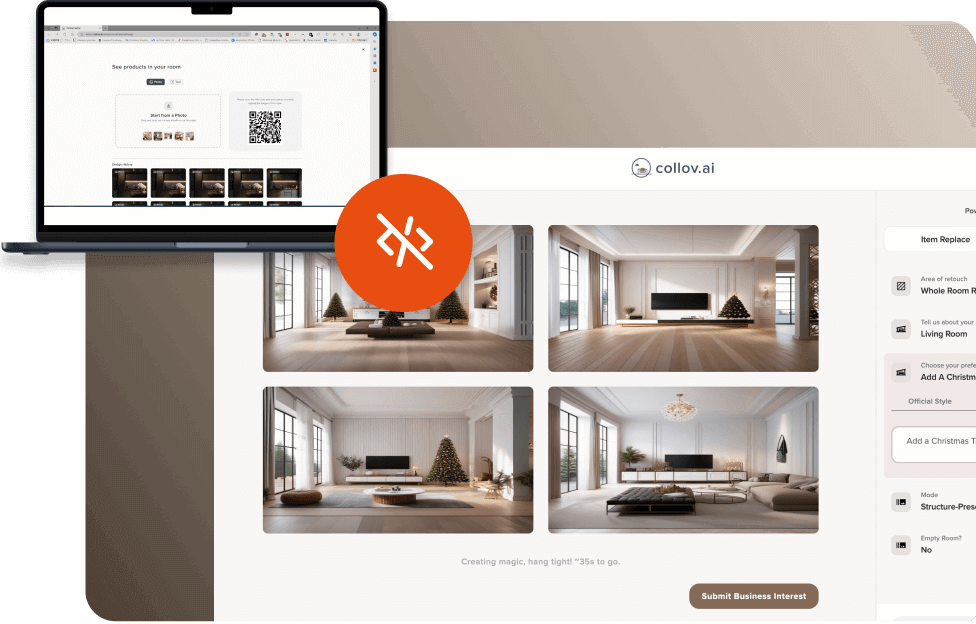
💛 My take: Useful for ideas, but expect to adjust everything.
Layout tools — this is different, and more useful
👉 This is different from Visual AI.This is where things actually start working.Instead of “cleaning,”
you decide where everything should go.
These tools help you:
• Plan furniture properly
• Avoid buying the wrong things
• Build a layout that actually lasts
💡 It takes a bit more effort upfront,
but saves time (and money) later.
3
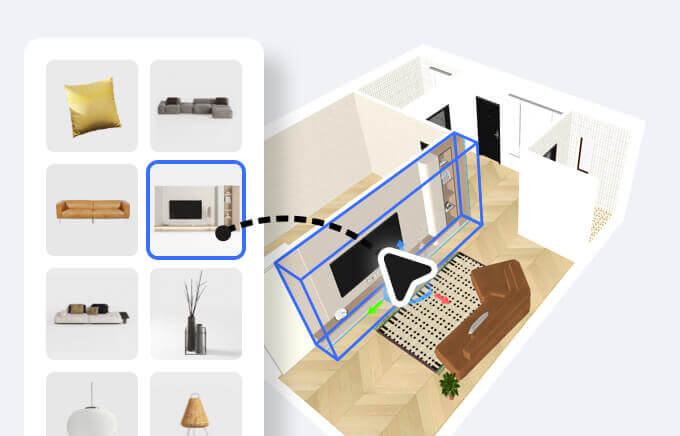

💛 My take: More work upfront, but reduces mistakes.
3
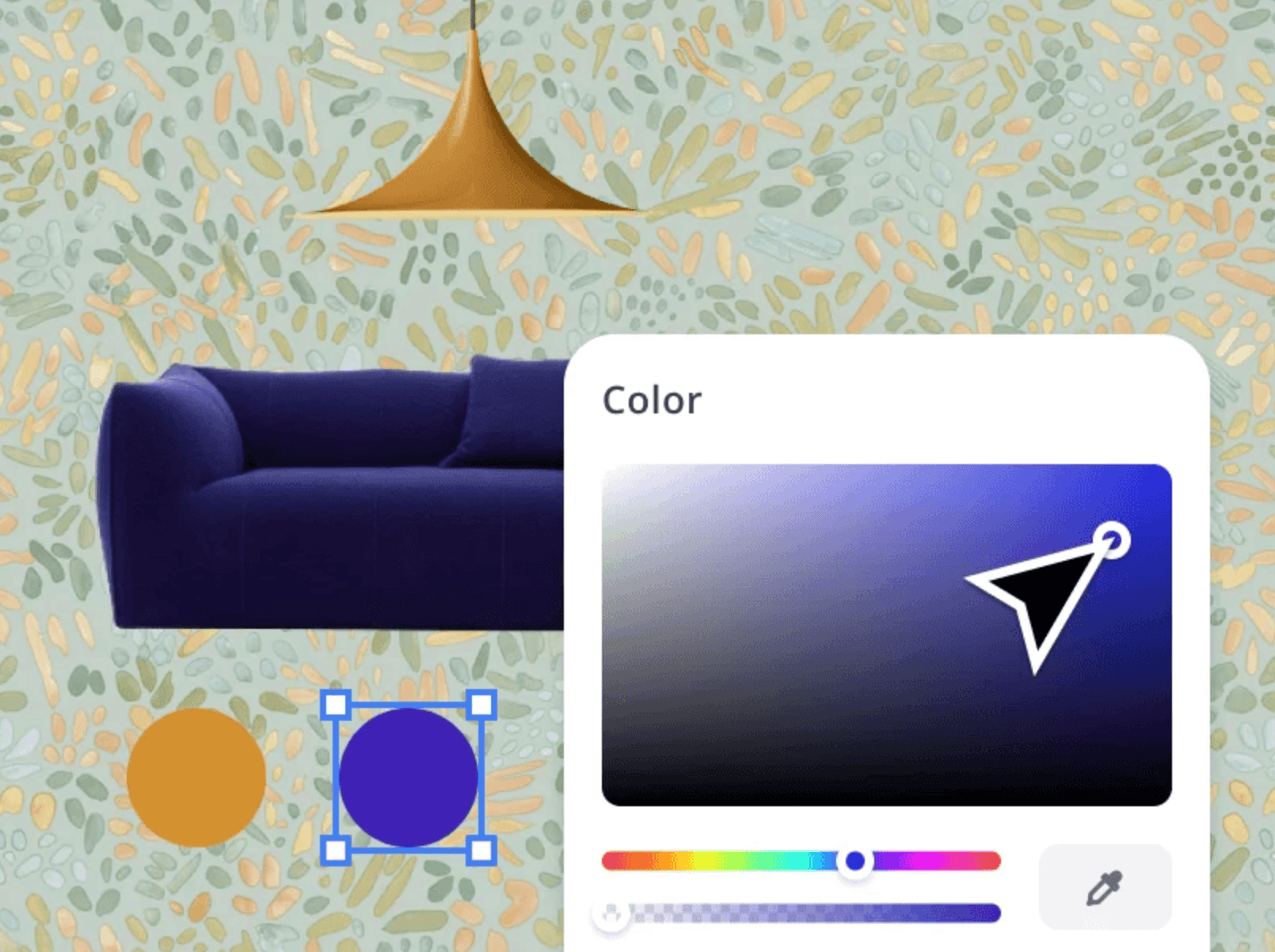
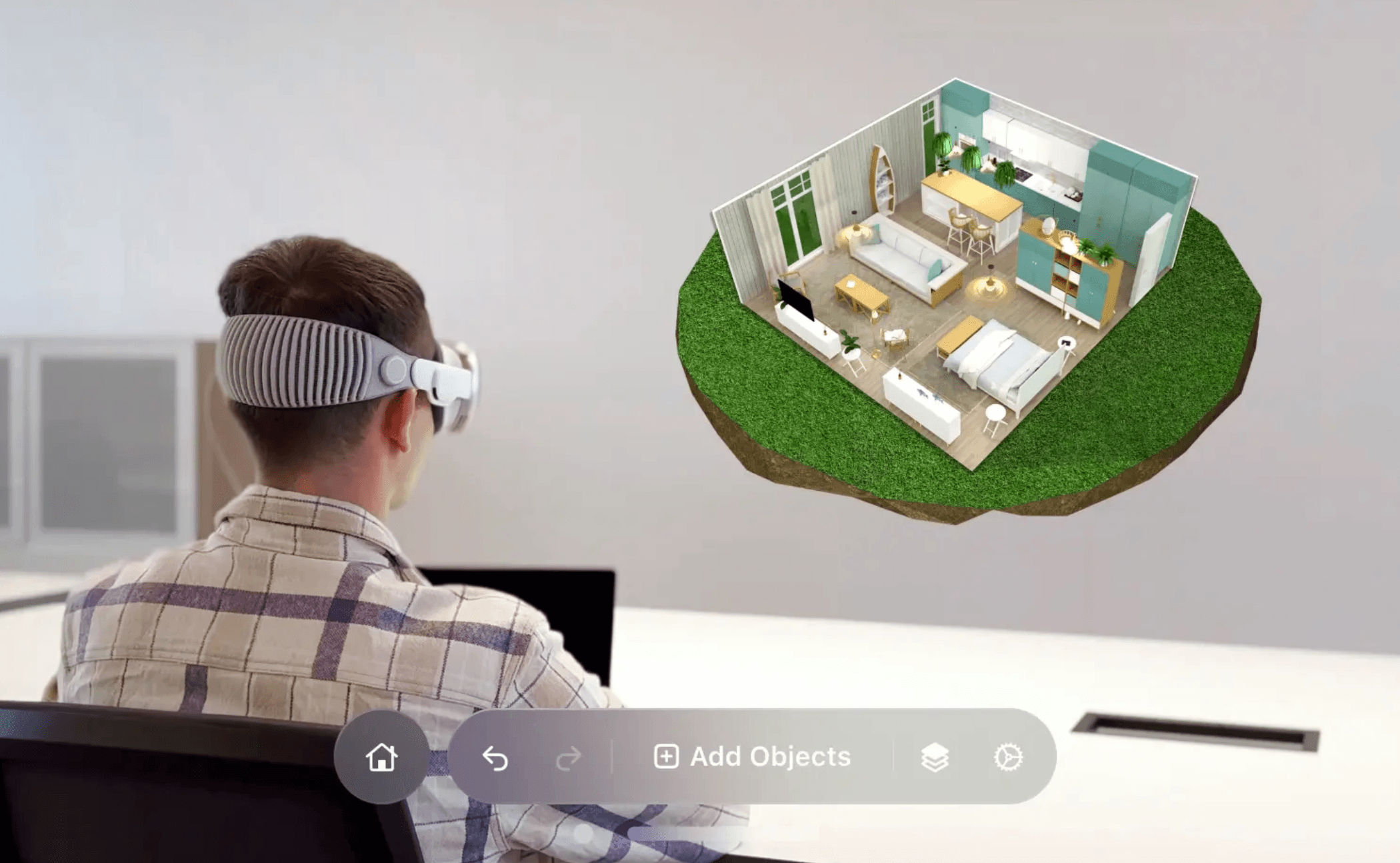
💛 My take: If you like control, this is worth using.
Habits — only useful for some people
The problem isn’t cleaning. It’s keeping it that way.These apps help you:• Break tasks into small steps
• Track routines
• Share responsibilities
👉 But honestly,
if you live alone, you probably won’t stick to this.
It’s just too easy to ignore.
👉 If you have kids — this is very useful.
Because:
• You build habits
• Kids learn structure
• Everyone knows what to do
3
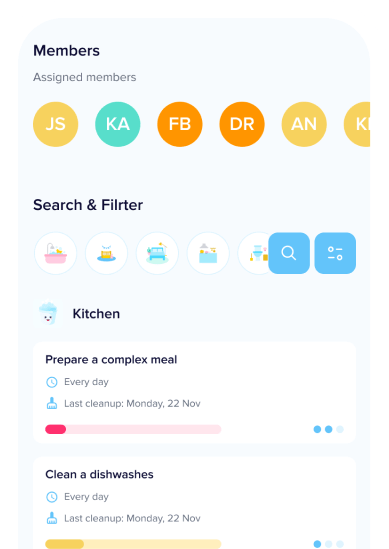
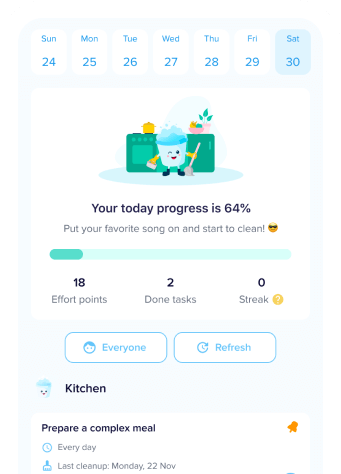
❤️ My take: Not for everyone — but strong for families.
Storage system — the only thing that really changed everything
👉 If something has no place, it won’t stay organized.This is what made the biggest difference for me.
Now:
👉 Every drawer is labeled
👉 Every item has a fixed place
And the biggest change:
👉 I don’t need to think anymore.• No guessing
• No friction
• No delay
4
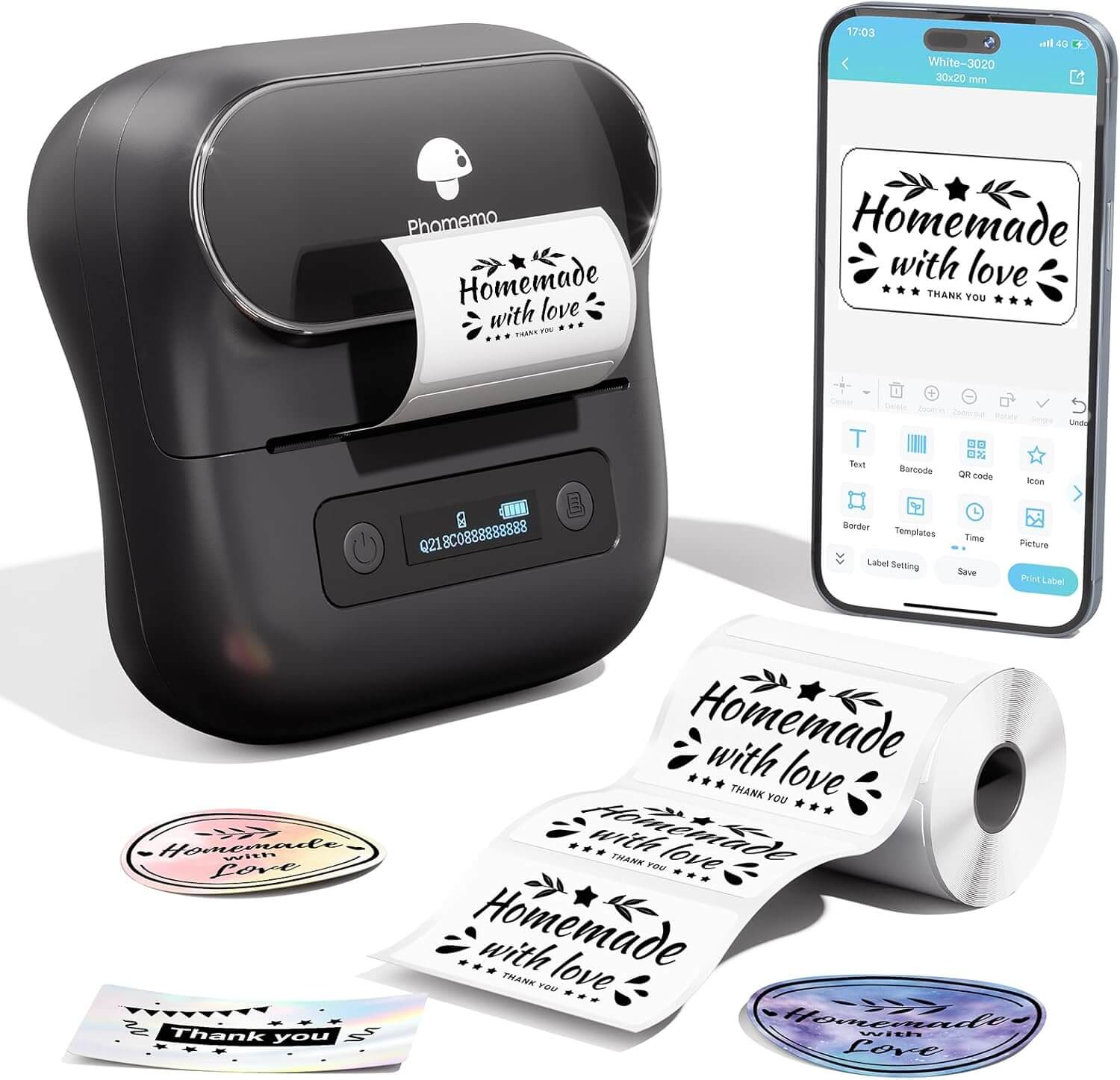

💖 My take: Simple, but the most effective solution here.
👉 If you try one thing — start here.✨ Summary
👉 Final result:👉 AI didn’t fix my home.
👉 But it helped in specific parts.
What actually worked:
• Start small
• Give things a place
• Use AI only where it helps
Systems beat motivation — every time.
👉 You can start now.
❓ FAQ
Do I need AI tools?No — but they can speed things up.
How long does it take?
10–20 minutes to get started.
Why does mess come back?
Because things don’t have a fixed place.
Are AI tools accurate?
Not always — use them as reference.
Do these work for everyone?
It depends — families benefit more than individuals.
Where should I start?
Start small. Then fix storage.