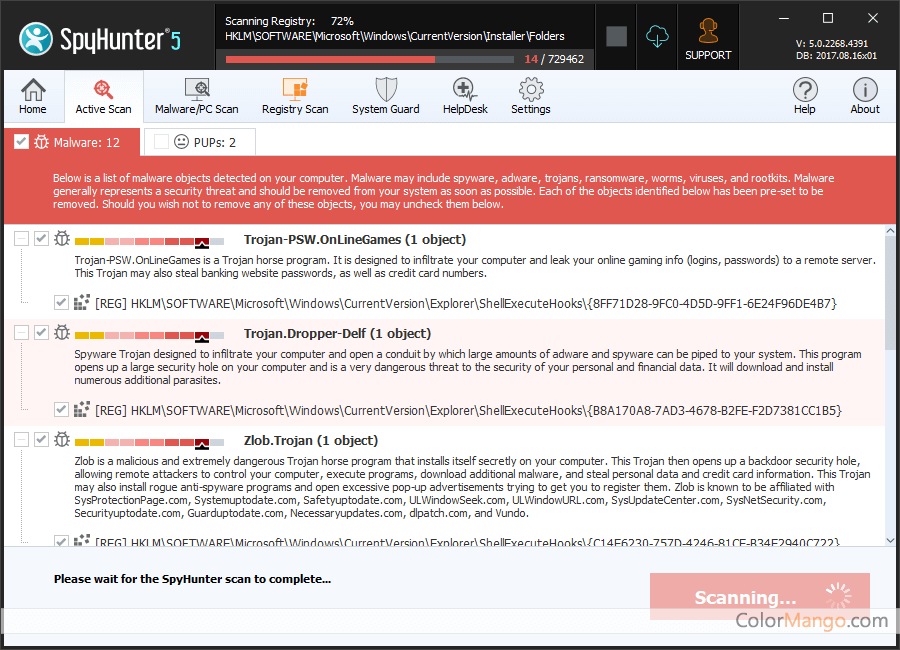
SpyHunter
No current deals. Try the free plan or visit the official site.
No coupons or deals available
right now.
You can try the free plan or visit the official website for the latest pricing and offers.
Visit Official Site- 1
 NETGEAR Armor50% Off
 - 2
 AdGuard90% Off
 - 3
 ESET NOD32 Antivirus63% Off
 - 4
 Kaspersky Premium55% Off
 - 5
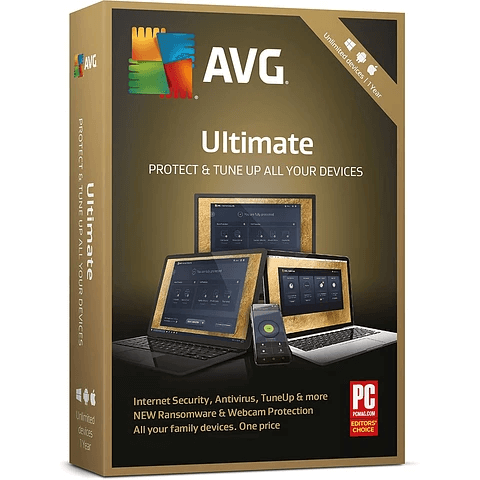 AVG Ultimate90% Off
 - 6
 Kaspersky Standard84% Off
 - 7
 ESET HOME Security70% Off
 - 8
 Advanced SystemCare Ultimate35% Off
 - 9
 Bitdefender Ultimate Security44% Off
 - 10
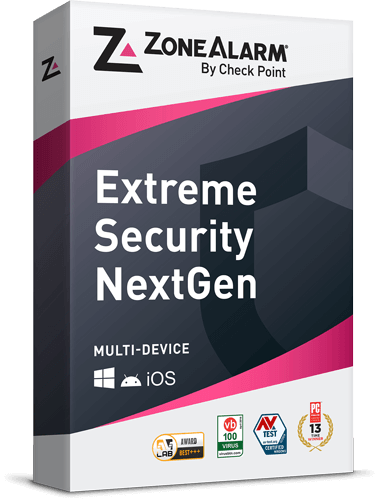 ZoneAlarm Extreme Security NextGen73% Off
SpyHunter is a powerful anti-spyware program. It scans your entire system to find out the malware and remove it.
SpyHunter is an efficient malware removal program. Its interface is simple and easy to use. Whether for home computer users or experienced security experts, this program is a great tool to remove spyware and blackmail malware, adware, browser hijackers, and similar junk programs.Customer Reviews
3.9
16 votes
Comments (11)
- I've used Spyhunter for a long time. It finds and gets rid of all nasties, out of my expectation. Though the price is a bit high for me, it's well worth with the great discount here. Spyhunter works perfect for me with Defender on Win 8. I'd recommend this combination for you.Reply
- SpyHunter is an easy-to-use and reliable anti-spyware program. It cleared threats missed by other programs. I think it is a nice second-opinion malware scanner. If it could update more frequently, I think I will use it as my first choice.Reply
- Nice UI. I have SpyHunter on my computer for a very long time. It’s powerful and protective.Reply
- I've been using this program for a long time. Its process control protection is really good!Reply
- I’ve always been using SpyHunter to protect my PC, and it does remove viruses from my PC. So I bought one for my parents’ computer. Pretty high discount.Reply
- After I installed SpyHunter, both Spybot and Zonealarm have identified it as a virus, what's wrong with it? Does anyone know? Is it safe to use???Reply
- Some spyware programs are programmed to list their competitors as viruses. I would ignore this. Malware bytes does the same thing.
- First, I like the great discount! And second, this software is very good, does a good job on registry optimization, and quickly killing the TrojansReply
- It works indeed well on preventing spyware and virus away from attacks.Reply
- My computer seemed to have viruses, so I performed a full scan with malwarebytes, but it found out nothing. Then I tried spyhunter, yes, it detected the threats for me this time. Reliable antivirus program.Reply
- The program is so large and takes too much memory. I used Spyhunter to scan my computer every morning, but it found out cookies only. I don't know if my computer is too clean to find out any threat or the program is just useless. What's more, it only worked for a week and then stopped forever. I've contacted the customer support and is waiting for reply.Reply
Customer Q&A
- ❓ when I click on the spyhunter picture it shows it is spyhunter 5 but when I order it the item is spyhunter not spyhunter 5 which one is it spyhunter or spyhunter 5
Answer
- The latest version of spyhunter is version 5, and the shopping cart didn't show the product version Info. We promise you the license you'll purchase is the latest version.
- ❓ I bought the program and every time I try to register, a screen flashes and goes away. My firewall is turned off and I turned off ADblock.Please help
Answer
- Dear Customer,
Thanks for your question. For different computer configuration and systems, we are temporarily unable to determine where the problem is, we have forward your problem to the developer's technical support. And before their message back, please try:
Below are manual instructions to remove the 'Messenger Service' pop-ups:
1. Open the Windows 'Control Panel', by clicking on the Windows 'Start' button, and then on 'Control Panel' in the menu that pops up (depending on your computer's configuration, you may need to click on 'Start', 'Settings', and then 'Control Panel').
2. On the 'Control Panel', click on the 'Administrative Tools' item. If you do not see this item in your 'Control Panel, you may need to change the view to 'CLASSIC' view.
3. Inside of the 'Administrative Tools' section, click on 'Services'.
4. A list of the 'Services' installed on your computer will come up. Scroll down in the list until you locate an item titled 'Messenger'.
5. Right-click the 'Messenger' item, and then Left-click 'Properties' in the menu that comes up.
6. On the window that comes up, find the drop-down box entitled 'Startup Type'. Click on the drop-down box and select 'Disabled'.
7. In this same window, click the button titled 'Stop'.
8. Now, click the 'Apply' button at the bottom of this window, and the 'OK' button.
9. Close any windows that are open on your desktop.
Your 'Messenger Service' pop-up problems will now be solved!
Thank you,
- ❓ Did SpyHunter have any discounts during Black Friday/Cyber Monday?
- There were no extra discounts for SpyHunter during Black Friday/Cyber Monday 2025.
🕵️♀️ ColorMango regularly monitors SpyHunter deals during Black Friday/Cyber Monday and updates the latest discounts as soon as they are available.